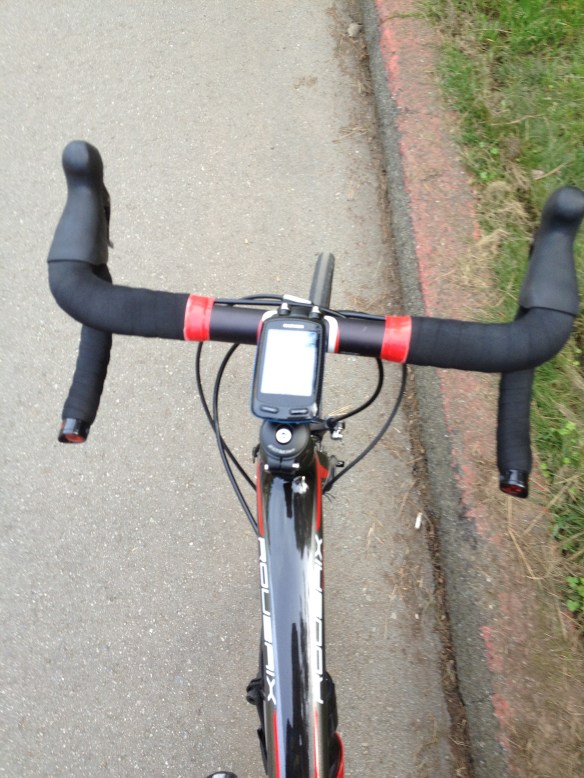
UPDATE: Golden Gate Bridge West Sidewalk Still Closed — April 1, 2012 through May 15, 2012


UPDATE:  The West Side of the Golden Gate Bridge will continue to remain closed for renovations through May 15, 2012.  The renovations were scheduled to last thru April 1, 2012, but they have taken longer to complete than originally anticipated.  For more information, see the Golden Gate Bridge Highway and Transportation District information page here.

This West side reopened in mid-September 2011 from the last round of repairs and seismic renovations.  The East Side reopened to pedestrians to cross the full extent of the Golden Gate Bridge in December 2011 after seismic renovations.

This next round of construction is the final phase of improvements on the San Francisco side of the bridge including the Battery East Bay Trail (the bike/pedestrian trail from Long Avenue to the Golden Gate Bridge). The renovations will include installation of dedicated bicycle and pedestrian lanes, trail re-surfacing and grade improvements, replaced fencing and lighting, and construction of the Fort Point Vista.

These renovations will affect how you get on to the bridge as both a cyclist and pedestrian. From Long Avenue, either make a right and go up Lincoln Avenue and follow the road to the upper parking area and follow the signs to the bridge. Or you can go up the Bay Trail to the lower parking area and then transition over to Lincoln Avenue and follow the detour.

This round of renovations is not taking place during the high season for tourists fortunately. That fact alone may make this a better interaction than the last round that occurred over the Summer of 2011.

Lane markers and signs were placed on the East Side of the Bridge during the last round of renovations which helped make pedestrians aware and gave cyclists a dedicated lane for movement.

On a typical weekend, over 5,000 bicyclists cross the Golden Gate Bridge. Pedestrians and bicyclists alike will need to be aware of how crowded the bridge will be.  No matter the time of year, the hardest part of crossing on the pedestrian side of the bridge is inattentive tourists who don’t think bikes belong on their side.  Or the teenagers with headphones in who don’t hear the bikes announcing their presence over their music. To experience what it is like to bike across the pedestrian side of the bridge, check out Ridin’ Dirty below.

These next few months will require lots and lots of patience from the bicyclists and understanding from pedestrians.  Just remember to be vigilant and patient as you cross the Golden Gate Bridge.

Trail: THE SHORT CUT – Cal Park Tunnel – Larkspur Ferry to San Rafael


Have you ever wondered how to get from the Larkspur Ferry Terminal to San Rafael? Use the Cal Park Tunnel! Watch the video and check out the short, flat and easy way to get from Larkspur to San Rafael.

Distance from the Larkspur Ferry Terminal and Larkspur Connection: 2.30 miles; Marin Crossroads: 10.52 miles; Distance from Sausalito: 14.54 miles; Distance from San Francisco Ferry Building (see Golden Gateway Trail): 24.35 miles

Elevation Gain on trail: 157 feet

Difficulty: Whether you are heading home after work, or are going to China Camp to ride, using the Cal Park Tunnel is a short and easy route to make your way to San Rafael from the Larkspur Ferry Terminal.
-Elevation Map for the Route provided by MapMyRide.com
Originally a tunnel constructed in 1884 for lumber and freight trains, the Cal Park Tunnel closed over twenty years ago. It was reopened in June 2010 to pedestrians and bicyclists as part of the North-South Greenway as the most direct route between the Larkspur Ferry Terminal to San Rafael.
The directions in the video will take you from the Larkspur Ferry Terminal to the intersection of Lincoln Avenue and 2nd Street in San Rafael.  This intersection opens the routes to China Camp and Sir Frances Drake Boulevard toward Nicasio and Point Reyes Station.

A YEAR IN REIVEW: The Good, The Bad and the Just Plain Cool Features of the Garmin Edge 800


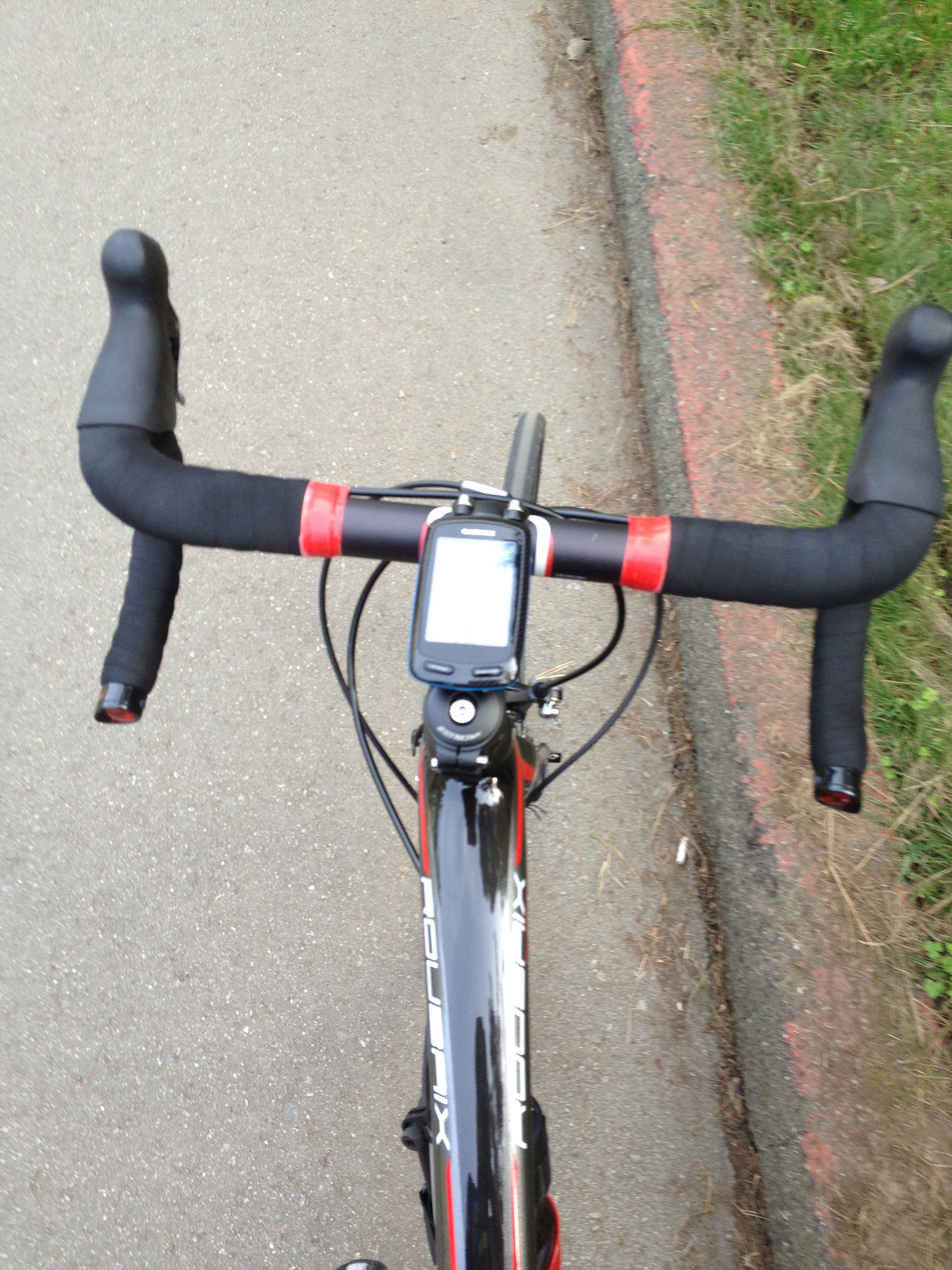
The Garmin Edge 800 is the top-end bike computer on the market. The Edge 800 is a touchscreen bike-specific GPS unit with onscreen navigation and performance monitoring. The onscreen navigation has a similar look and feel to the screen and maps of the car-based GPS units. Performance monitoring capabilities are compatible with any ANT+ capable device.

The Edge 800 has a lot of capabilities for both recreational riders and athletes in training. But with the massive amount of capabilities comes some irritating limitations. After our year of ownership of the Edge 800 and regular use, here are what we have found to be The Good, The Bad and the Just Plain Cool features.

Basics

The Edge 800 has a 1.4″ x 2.2″ screen which allows riders to view maps directly on the device that track your movements via GPS just like your car navigation. (More on Maps, Mapping and Navigation below.)

There are two packages for the Edge 800, base and Performance and Navigation bundle:

The base package includes the Edge 800, USB cable, wall charger and mounting hardware for $449.

The Performance and Navigation bundle includes two sets of mounting hardware, USB cable, wall charger, speed/cadence sensor, premium heart rate monitor and 2010 Garmin US City Navigator Maps preloaded on a micro-SD card all for $649. In case you are wondering about the price difference, purchased separately the map along is $80, the premium heart rate monitor is $70 and the speed cadence sensor is $60. You save $10 purchasing the bundle.

Features

The many features of the Edge 800 include:

-GPS-based maps and location indicator

-Heart rate monitoring

-Speed/cadence recording

-Power meter compatible

-Auto-pause

-Time of day

-Sunrise/Sunset times

-Calorie calculator

-Elevation gain/loss and climb/descent grade percentage indicator with barometric altimeter

-Temperature

-Multiple training pages with customizable displays

-Virtual training partner

Maps

The maps used with the Edge 800 are Navteq-based and housed on a micro-SD card. The basic Edge 800 does not come with the North America City Navigator, but the Edge 800 Performance and Navigation Bundle does.

The map itself is the same road map used in the car navigation systems, so it’s great for riding on the streets. A limitation to the base maps is they do not contain bike trails or other off-road paths.

A fix to this are the add-ons available for purchase through Garmin or in cooperation with other entities such as the Rails-To-Trails Conservancy. TOPO maps are also available for mountain bikers. These add-on maps are available through the Garmin Store. Both road and TOPO maps for other areas of the world are also available if you plan on traveling with your Edge 800 or are located outside of North America.

Just like other Garmin systems, you have the option and ability to change the view from the standard overhead with North “Up” (North fixed to the top of the screen), to an overhead view with your direction of travel being “Up” (the map rotates to follow your direction of travel) or to the automotive 3D view with the map rotating to follow your direction of travel.

Mapping

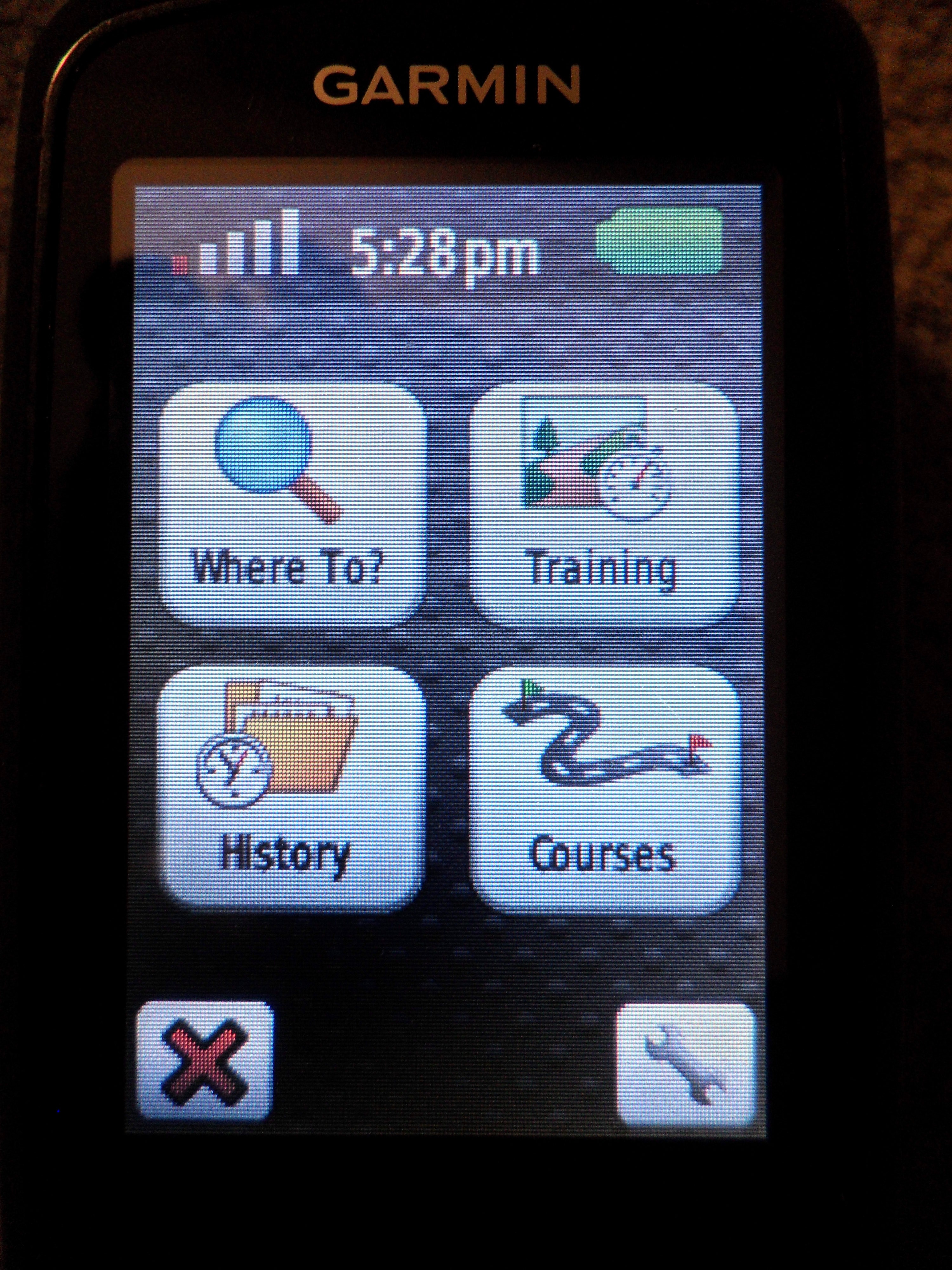
Maps are only part of the package, the Edge 800 has the ability to find address and Points of Interest as well.  This mapping feature can be modified to avoid certain things like highways, carpool lanes, etc. and can be made to keep all routes on roads.  This is done in the Settings menu.

Courses can also be created and uploaded to your device. The Edge 800 product site recommends using Garmin BaseCamp. This mapping system has some major limitations. First, its base road map is basic and almost useless for any type of mapping. For mapping on the roads, it requires you to have purchased the City Navigator maps, but then it does not allow you to overlay other maps like Rail-to-Trails to incorporate paved or un-paved bike paths in your route. This software seems to be best suited for use with TOPO maps and creating hiking routes, not biking.

Searching the Garmin forums, others have recommended using MapMyRide.com and BikeRouteToaster.com. Both of these sites have great mapping functions with road, satellite and hybrid mapping features.  They also both allow you to download the course directly to your Edge 800 in the .tcx format.  (See Navigation for operation of these maps.)

Garmin Connect, the community of Garmin fitness device owners who share their rides and stats, also has a mapping feature called “Courses”.  The Courses menu allows you to create a custom course, just like MapMyRide or BikeRouteToaster, but the interface on the Garmin Connect website interacts better with the Edge 800. The maps on the Courses tab are GoogleMap based and include all bike trails and walking trails. You can create routes that move from road to trail and back again. After you create the course, you can set your pace, name the route, then save it. After you save it, connect your Edge 800 then press “Send to Device” and select the Edge 800.  Once you eject the device, the course will be on the device.

Navigation

Navigation is started by going into the Courses menu and selecting a course you uploaded.  You can also start navigation by selecting a POI or inputting an address.

You can manage the distance before an alert in the Settings menu of the Course page. The Settings menu also allows you to change the color of the route and turn the route guidance on and off.

Once the route is started, the Edge 800 navigates you through the roads and bike paths with alerts at certain points before your turn.   Once the audible alerts sounds, the screen changes to indicate the distance to the turn.
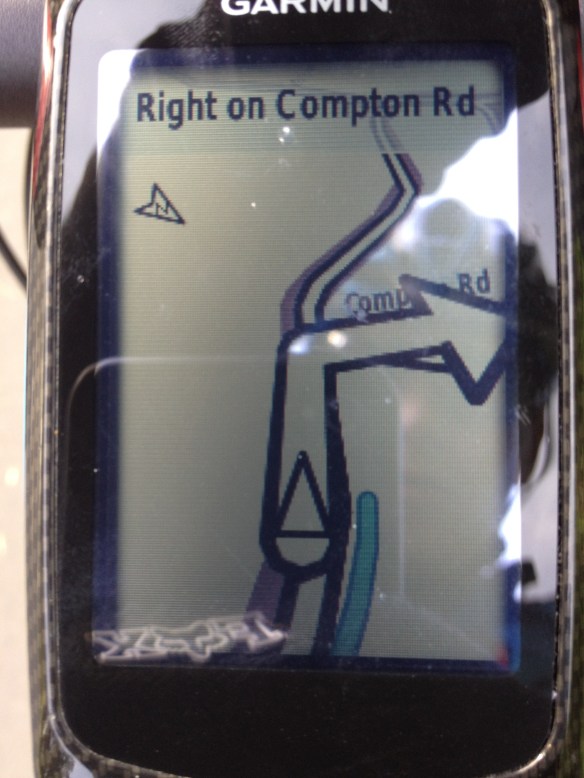
We have extensively used maps created at MapMyRide, BikeRouteToaster and Garmin Connect.  The navigation works well with point-to-point routes created through all three systems.  Navigation also works well when routing to POIs or addresses.  There are no major issues when using these types of routes.

But routes from all of these sites have a major limitation…during the navigation if you have a circular route or circle back to a point and cross a road at a later time in your ride , the Edge 800 will send you in the wrong direction, or will keep telling you to “make a U turn”.  This gets really annoying as you are on a tour (such as around Lake Tahoe) and every few yards you get an “off course” notification or “make a U turn” even when you are more than halfway around the lake.

I’m not sure if the problem is with the communication between the aftermarket map and the unit or a problem with the logic of the unit. It would be nice if Garmin would look into this issue a bit more and correct the programming.

Operation

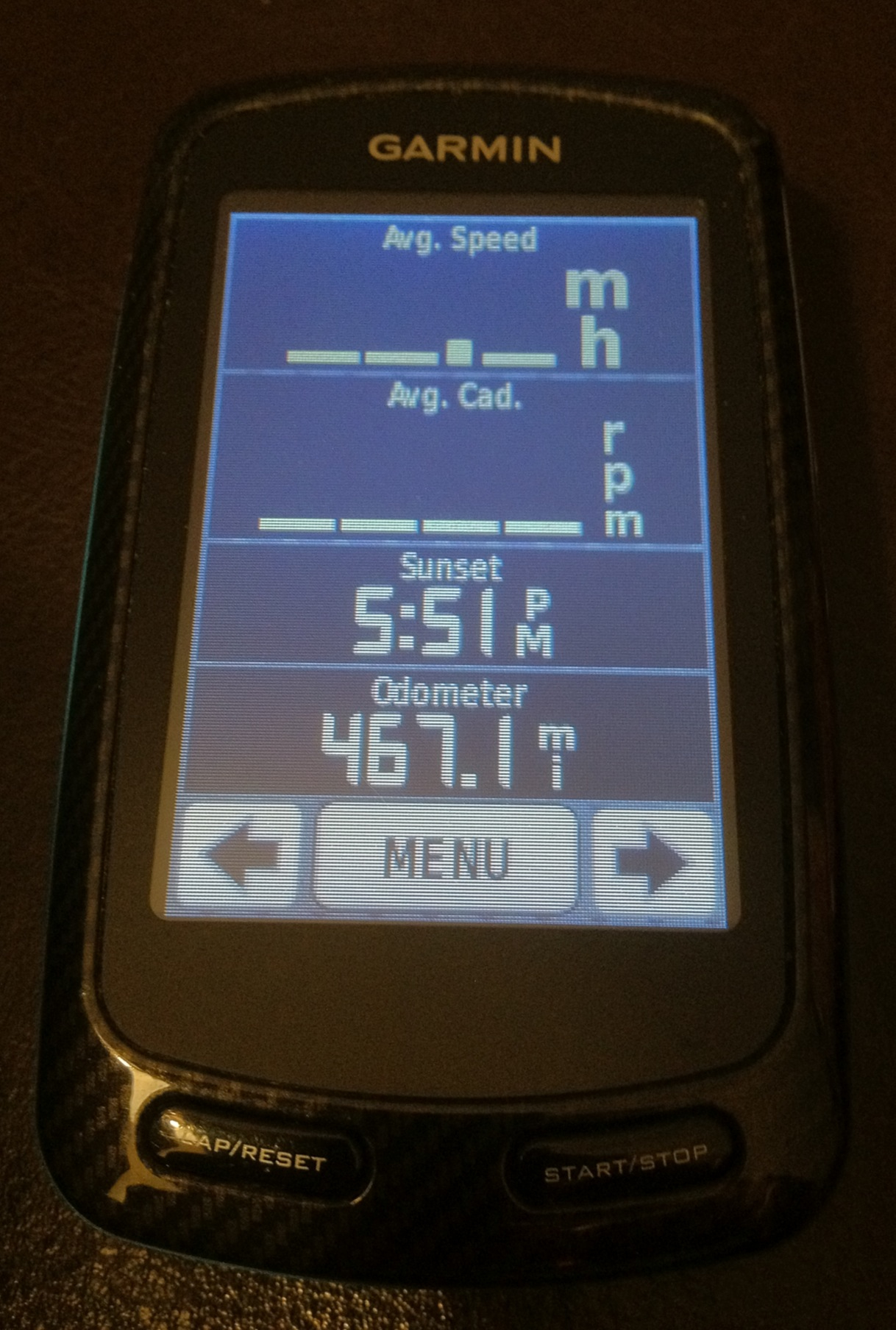
The Edge 800 allows you to personalize training pages.  You can have the time of day, ride time, power (if you have a power meter), speed, cadence, heart rate, total climbing distance, grade, total descent distance, sun rise, sun set and tons of other options.  You can customize up to three training pages with all of the information you want while on your ride.  You can also have a training partner and of course the map page.

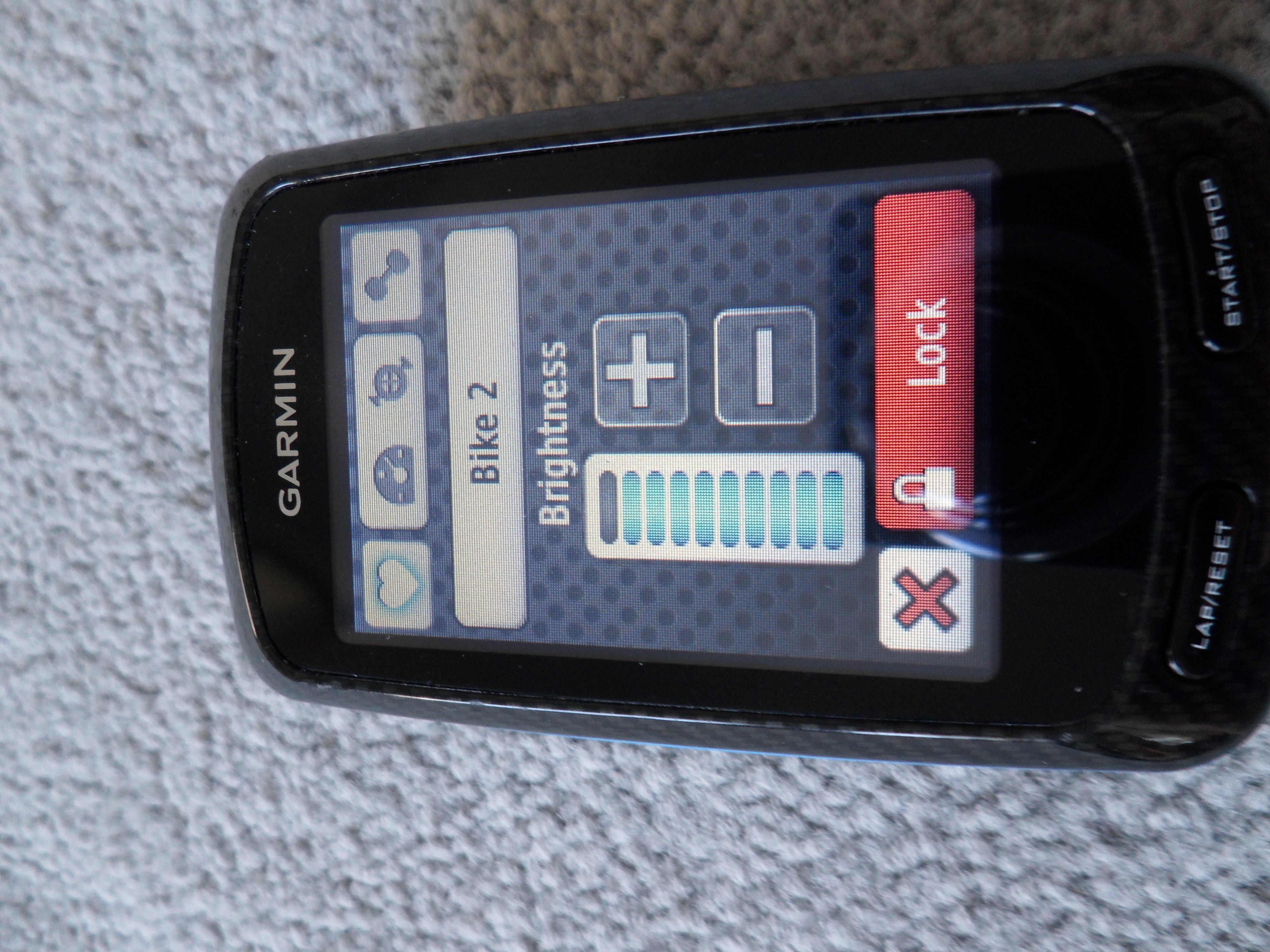
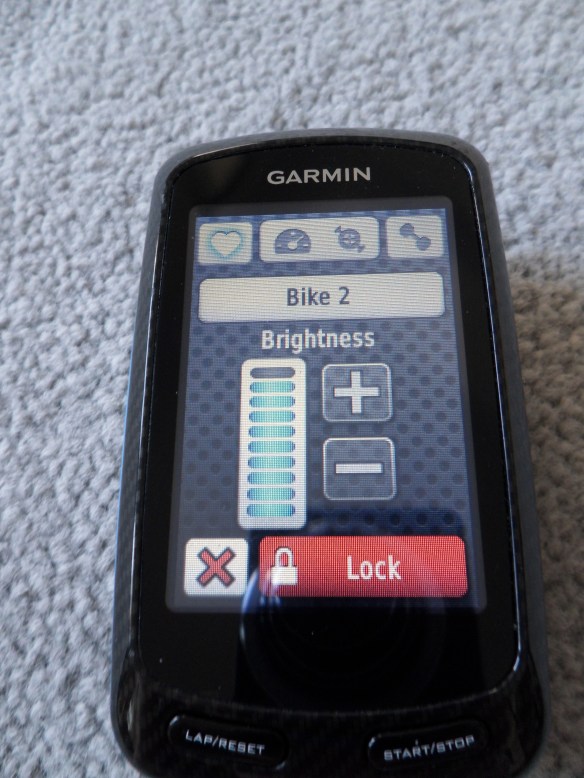
The touchscreen operation works well, even through gloves.  We have not had any major difficulties with the operation of the Edge 800.  Although sometimes when you are trying to power down the system, you are taken into the screen brightness page and can accidentally lock the screen or turn down the brightness.  This takes a minute to fix, but isn’t a huge issue.
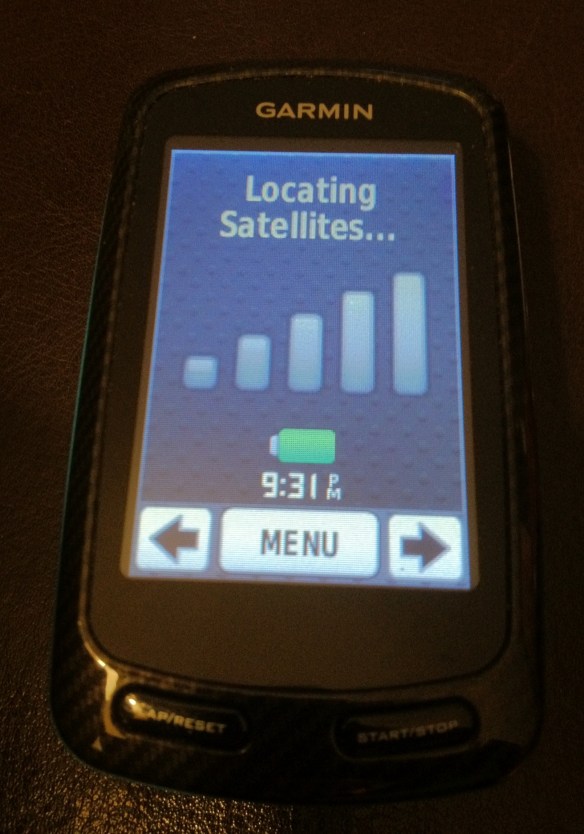
When you first power up the device, it takes a few minutes for the GPS signal to lock on.  We usually start before the GPS connects.  If you do this, after a few minutes the device will beep and alert you that “movement was detected” and it asks if you would like to start recording.  Just press “Yes” and recording your route begins.
Once you are back home, you can plug the Edge 800 into your computer and upload all of your information to the Garmin Connect website to review all of your stats.  This works really well at not only recording, but allowing you to see your improvement or relive a ride.

The Edge 800 has mounts for multiple bikes and you can even take it on vacation.  We took it to Hawaii to bike down Haleakala.  Although you will not get all of your information like cadence, power or “precise” speed measured at the bike’s rear wheel, the GPS in the unit allows for a “basic” speed to be recorded based on the GPS location and movement. This works well using the Edge 800 on multiple bikes.

-Information recorded when on bike with all measurement devices

-Information recorded when on bike with no measurement devices

Overall Opinion

The Edge 800 is a great tool for riding and recording your stats whether you are training, riding for enjoyment or using your rides for charities like on Plus3Network.  The difference between the Edge 800 and its little brother the Edge 500 is the mapping function.  Unfortunately, the mapping function has some limitations when riding an out-and-back, circular or other complex route.

Overall, the Edge 800 functions well as a recording device with a map that can keep you from getting lost. It does a better job navigating you through some routes than others, but is still a useful feature, especially when you are in unfamiliar territory.

The Edge 800 is still the best product on the market, although we’d love to see Garmin work on the navigation operational issues.
Trail: LET’S GRAB A BEER — San Anselmo to Marin Brewing Company at Larkspur Landing via San Rafael


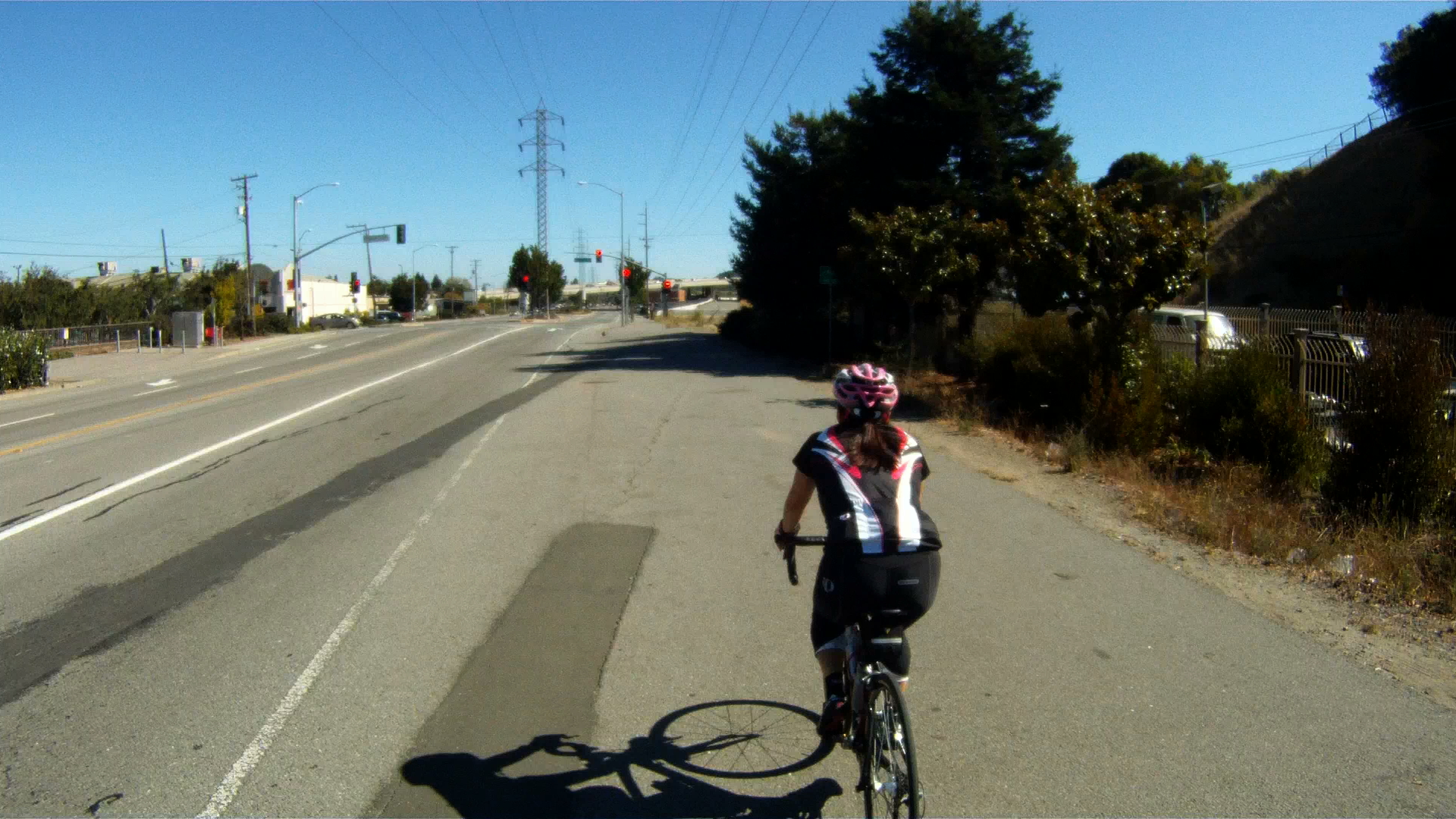
San Rafael is the gateway to China Camp and a great way to return to the Larkspur Ferry from Fairfax or San Anselmo. San Rafael is not for the faint of heart! The high traffic environment along 2nd Street requires superb bike handling skills and nerve as there are no bike lanes and the drivers see you as an intruder with no right to the road. If you are not ready for the intense traffic, a slower alternate route through San Rafael is also available.

-Trail Starts at mile 2.9 of the Coffee Run
-Distance from San Francisco Ferry Building (see Golden Gateway Trail): 44.39 miles; Distance from Marin Crossroads: 30.96 miles; Distance from Sausalito: 34.98 miles; Distance from San Anselmo: 6.37 miles.
Elevation Gain on trail: 374 feet
Difficulty: Overall, this is not a difficult route, although the traffic is a bit intense through San Rafael along 2nd Street and the last descent along The Dragon’s Spine is quite fast with a short stopping distance at the end. The two alternate routes provide easier alternatives to both potential obstacles.

Starting in San Anselmo a couple of blocks after Marin Coffee Roasters, turn right onto Bridge Avenue toward Route 24 and then make a

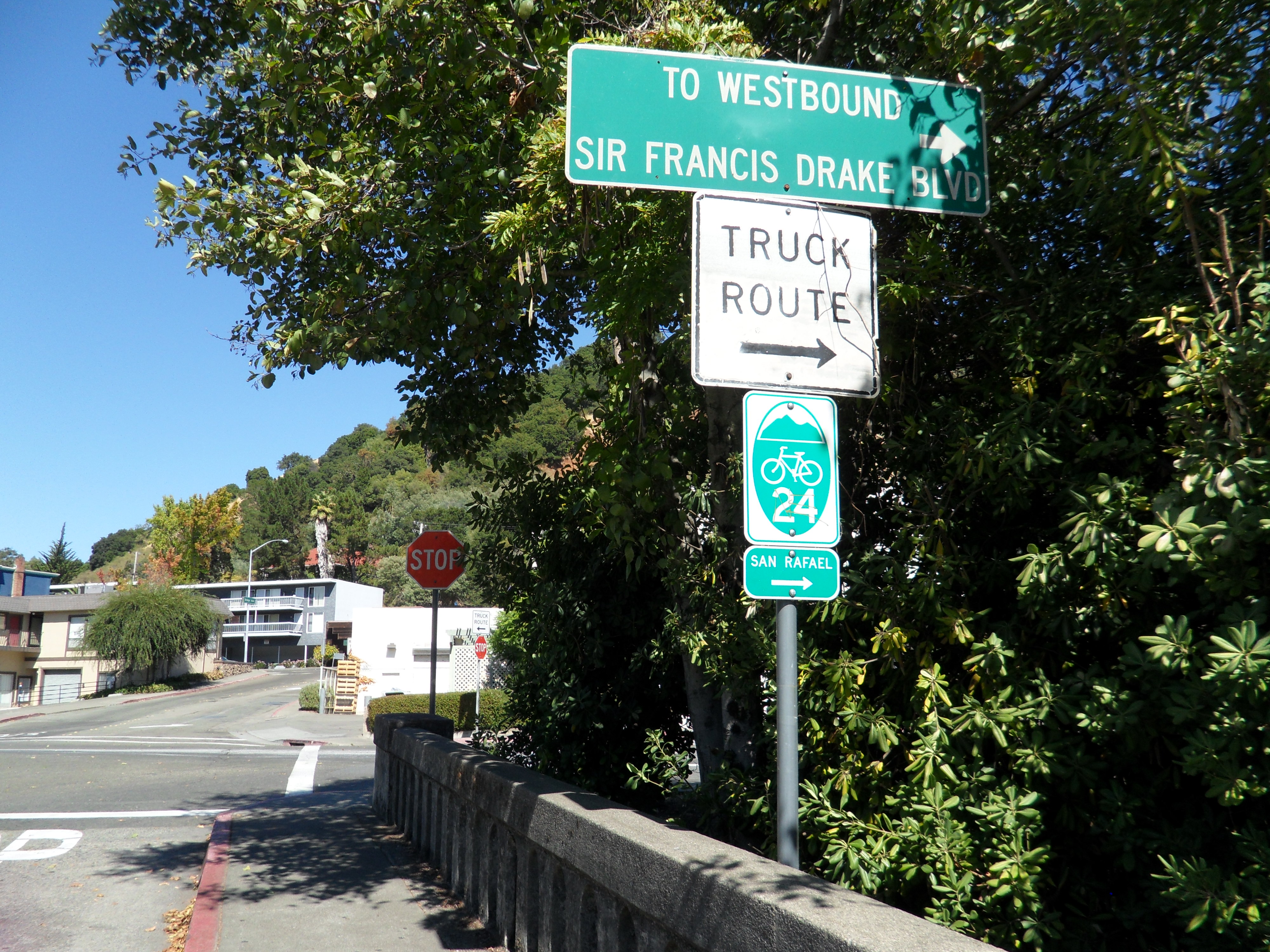
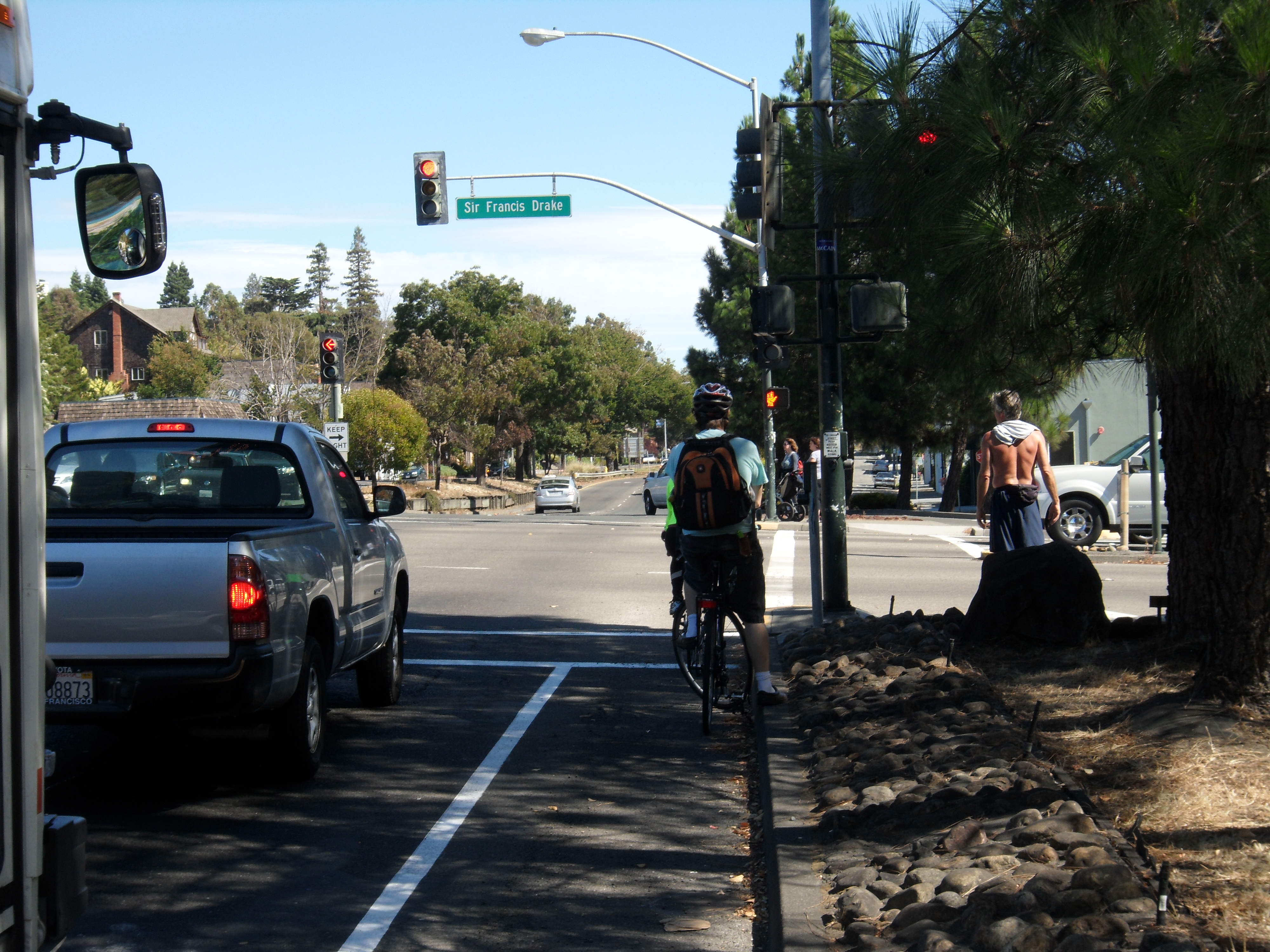
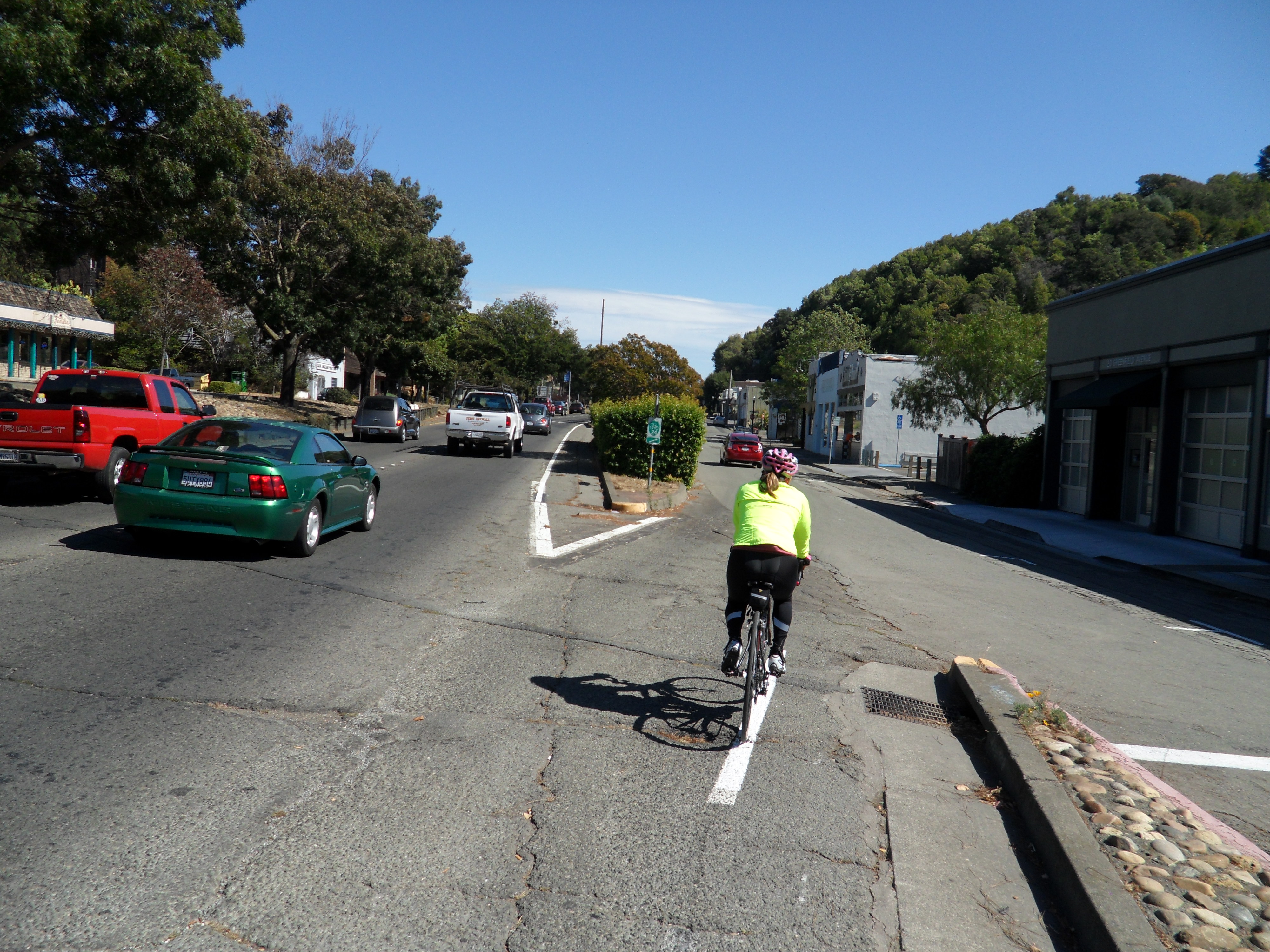
Make a right onto Center Boulevard, following Route 24, follow Center Boulevard across Sir Frances Drake Boulevard. Just after crossing Sir France Drake Boulevard, keep following Route 24 and make the jog to the right off of Center Boulevard and on to Greenfield Avenue.

Follow along Greenfield Avenue until just before it reaches the stoplight, make a right along West End Avenue at that point.

Follow the short West End Avenue until it meets with 2nd Street.

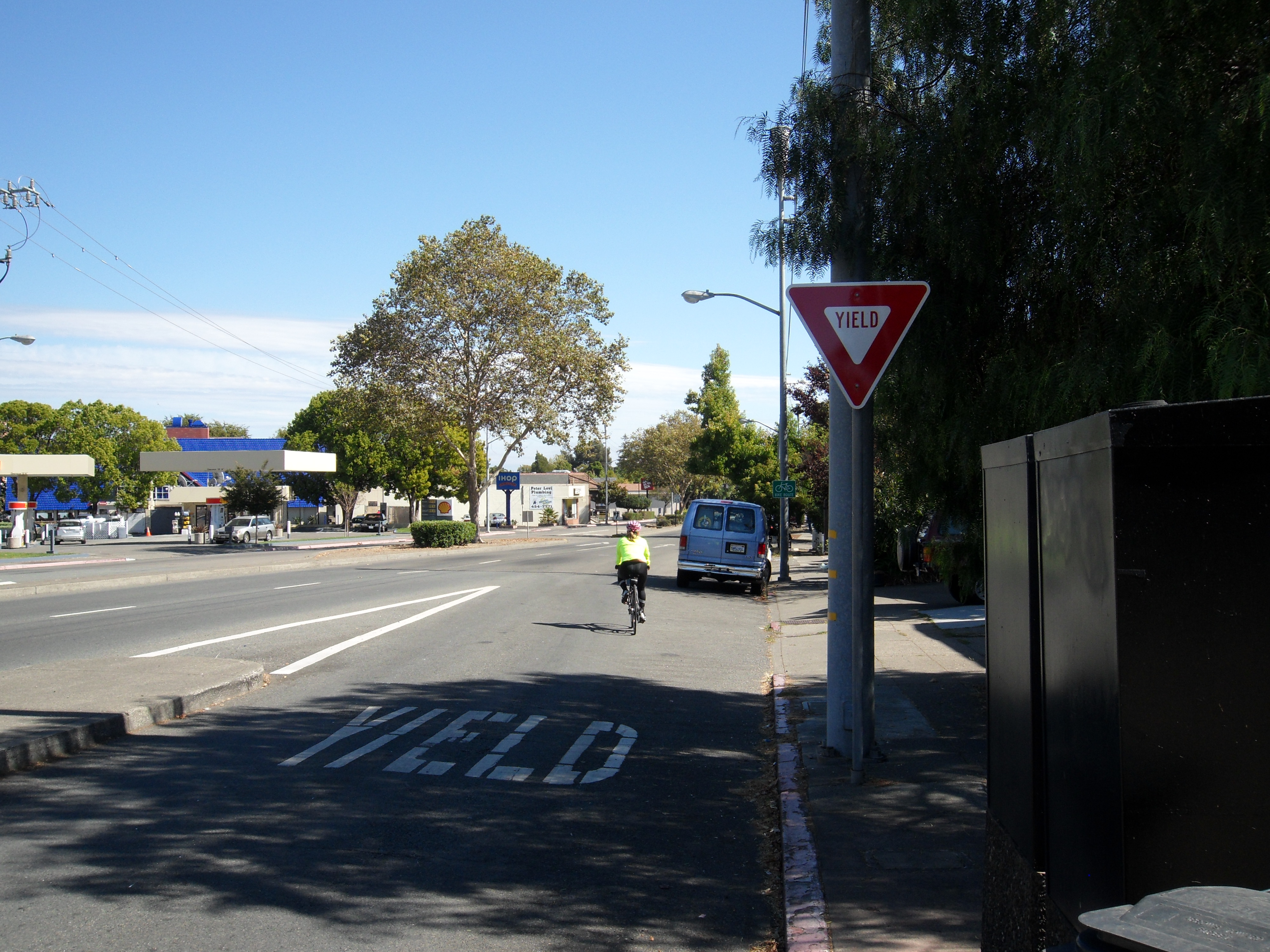
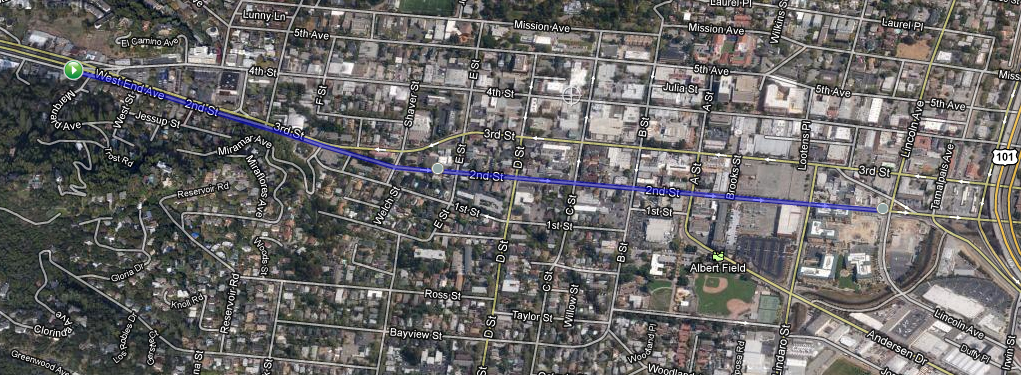
At this point you have two options for going through San Rafael. The shorter, more direct route is to merge with 2nd Street and follow along 2nd Street all the way to Lincoln Avenue.

Faster Option through San Rafael

The slower, less intense alternate route, above, is to cross 2nd Street and take 4th Street all the way to Lincoln Avenue and make a right. 

This route has a bit less traffic, but more stop lights. Neither route has a dedicated bike lane, but the traffic is a bit more friendly on 4th Street.

Slower Option through San Rafael

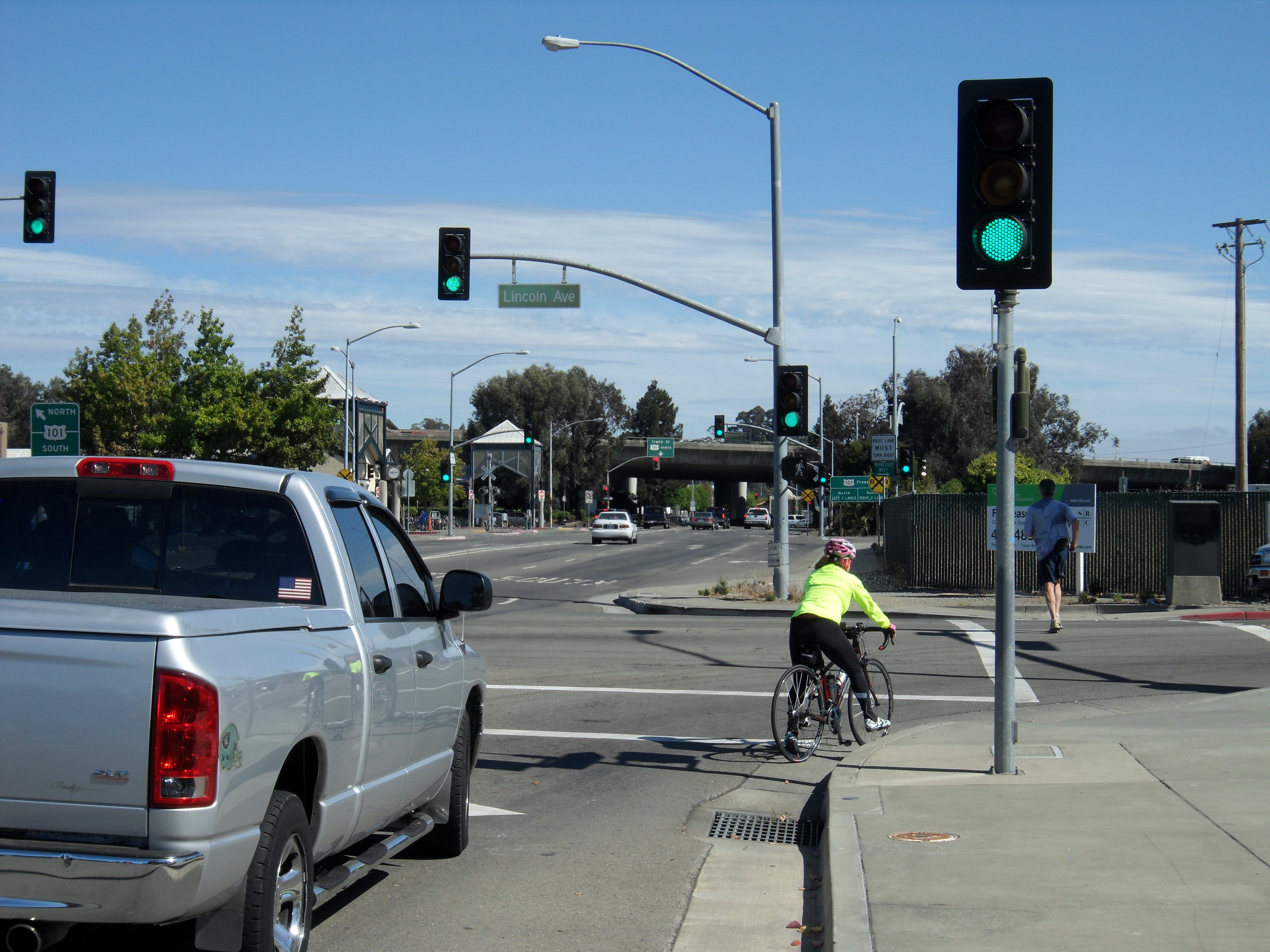
Once you reach Lincoln Avenue, turn right. Follow Lincoln Avenue until it reaches Irwin Street, then make a right on Irwin Street.

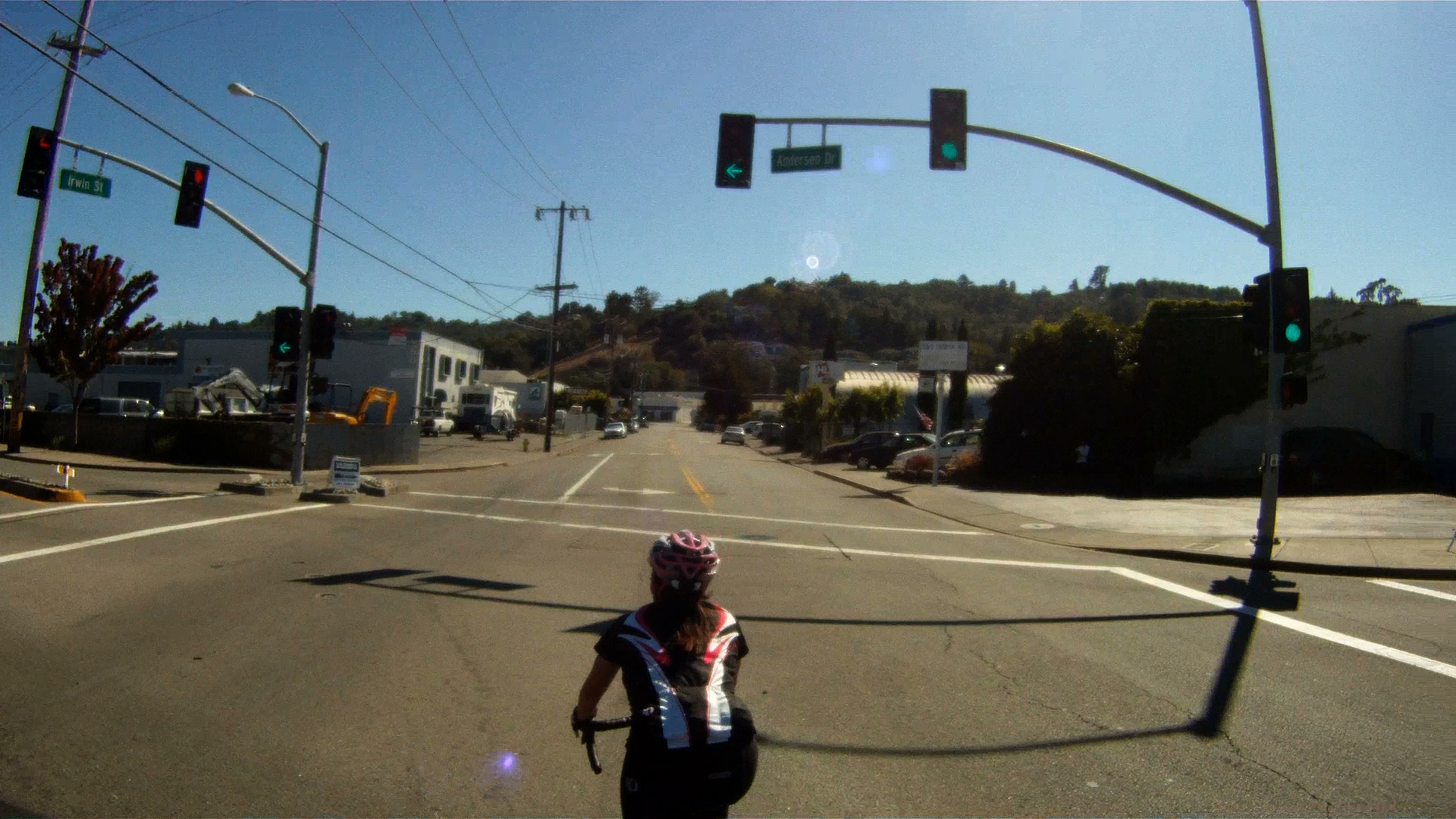
The next traffic light is at Anderson Drive, which is your next decision point.

There are distinct options for getting to the Larkspur Ferry from this point, the first is our favorite, while the second is a good option if you are short on time, or have already had a long ride.

OPTION 1: The Dragons Spine

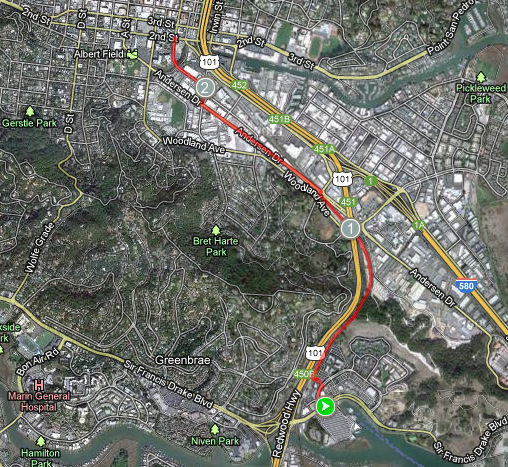
To follow The Dragons Spine, go straight through the light at Andersen Drive and continue to follow Irwin Street.

There is a stop sign at the intersection with Woodland Avenue, follow Irwin Street straight through the stop sign.

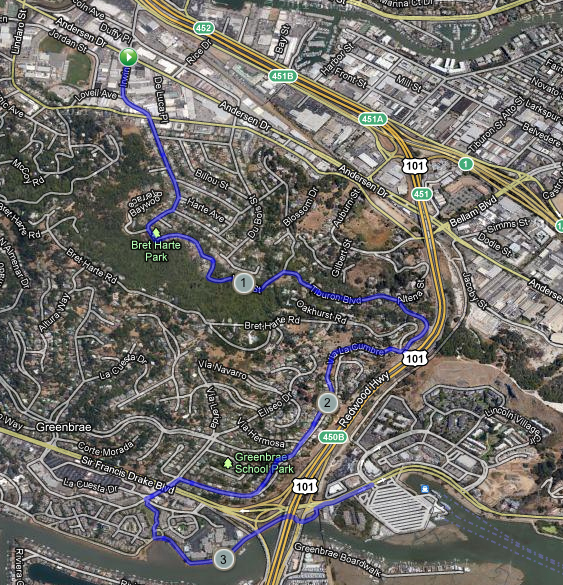
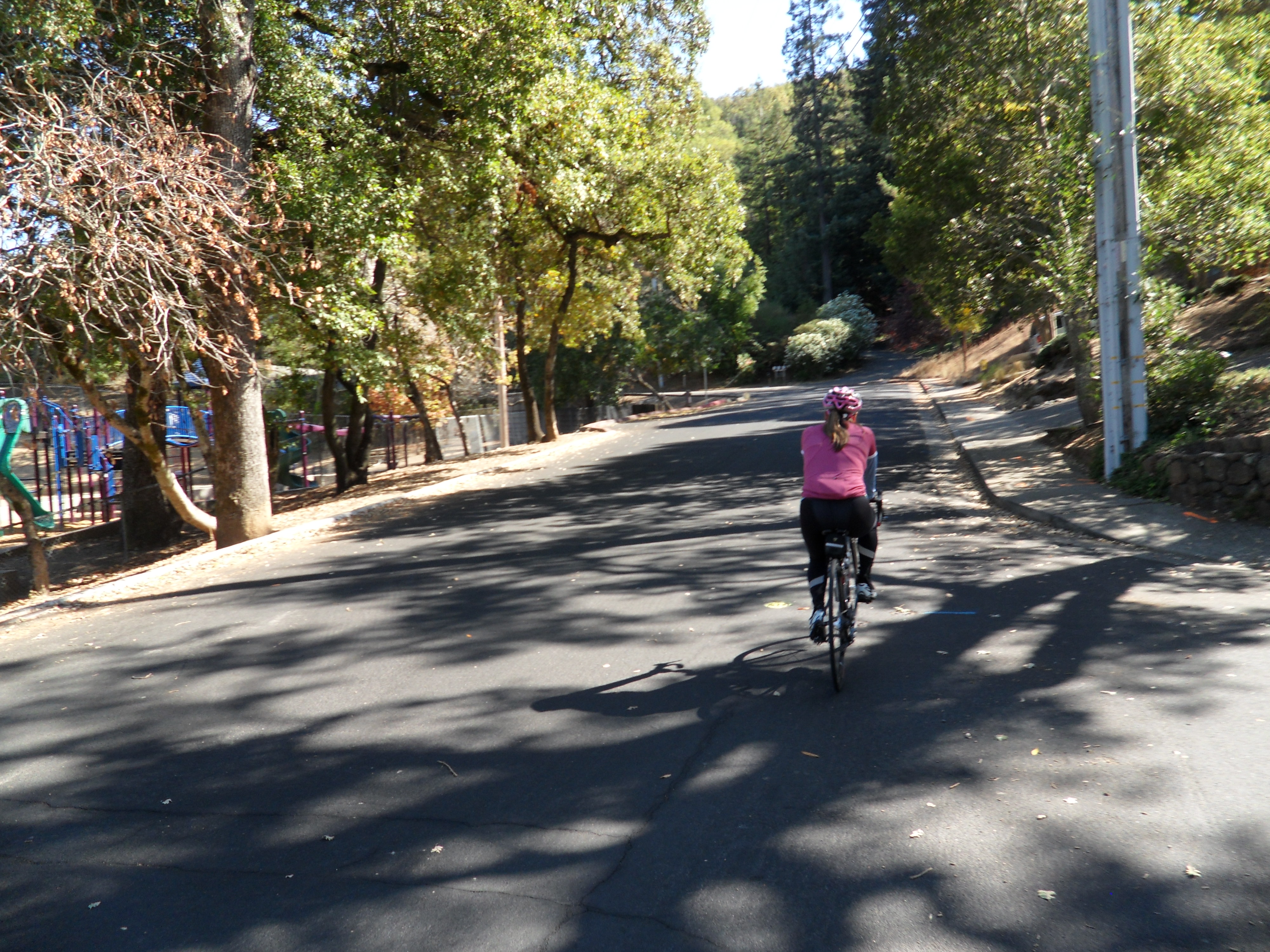
You will start a climb along Irwin Street as it winds its way through a residential neighborhood and by Bret Harte Park.

Along the climb Irwin Street becomes Tiburon Boulevard (although you will notice). After 5 to 7 minutes of climbing, it then becomes Via La Cumbre and the fast rolling portion of the ride begins. Via La Cumbre will skirt along the side of a hill with views of Larkspur and US-101 below.

After another short climb you will pass the intersection with Bret Harte Drive.

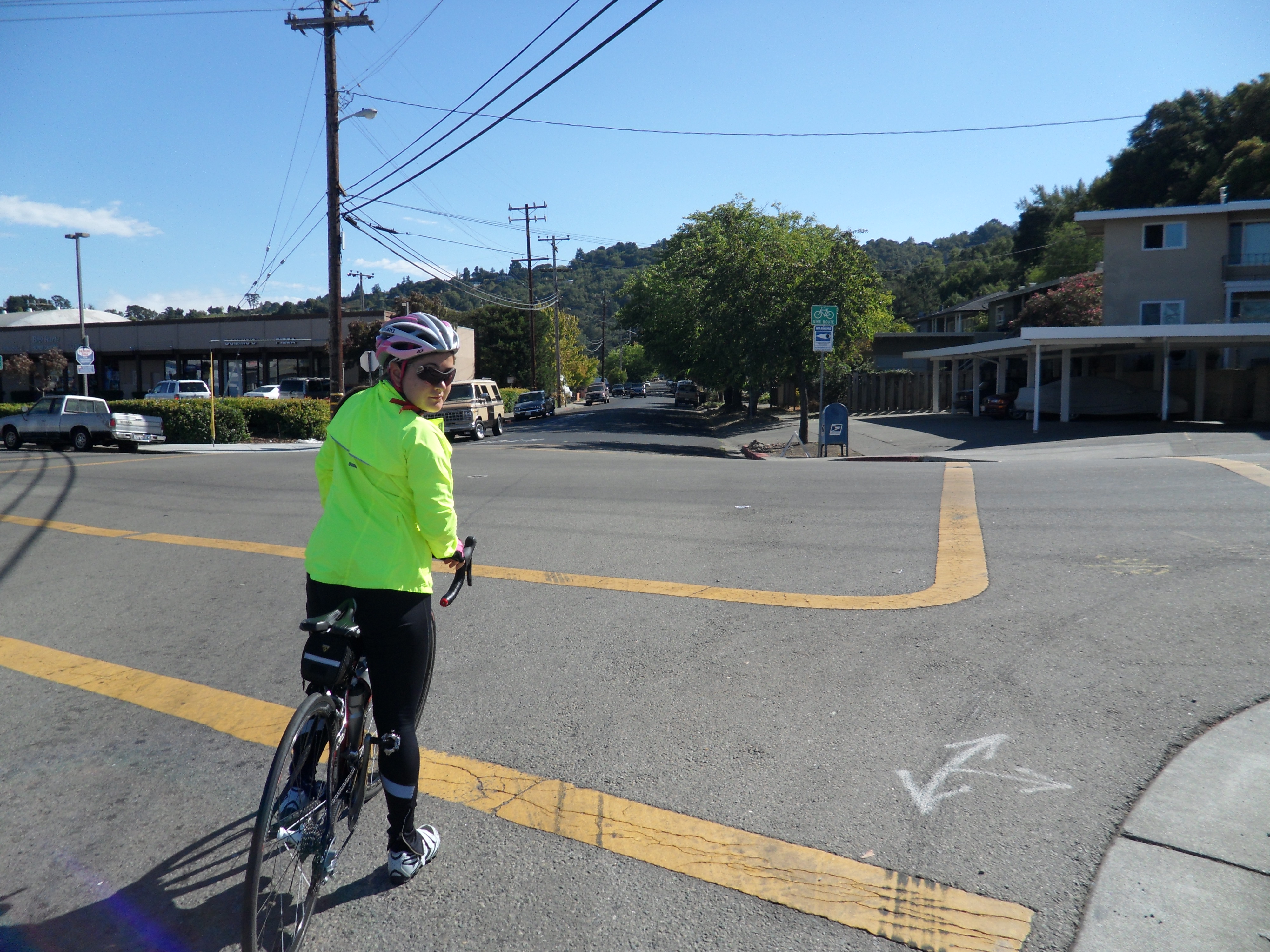
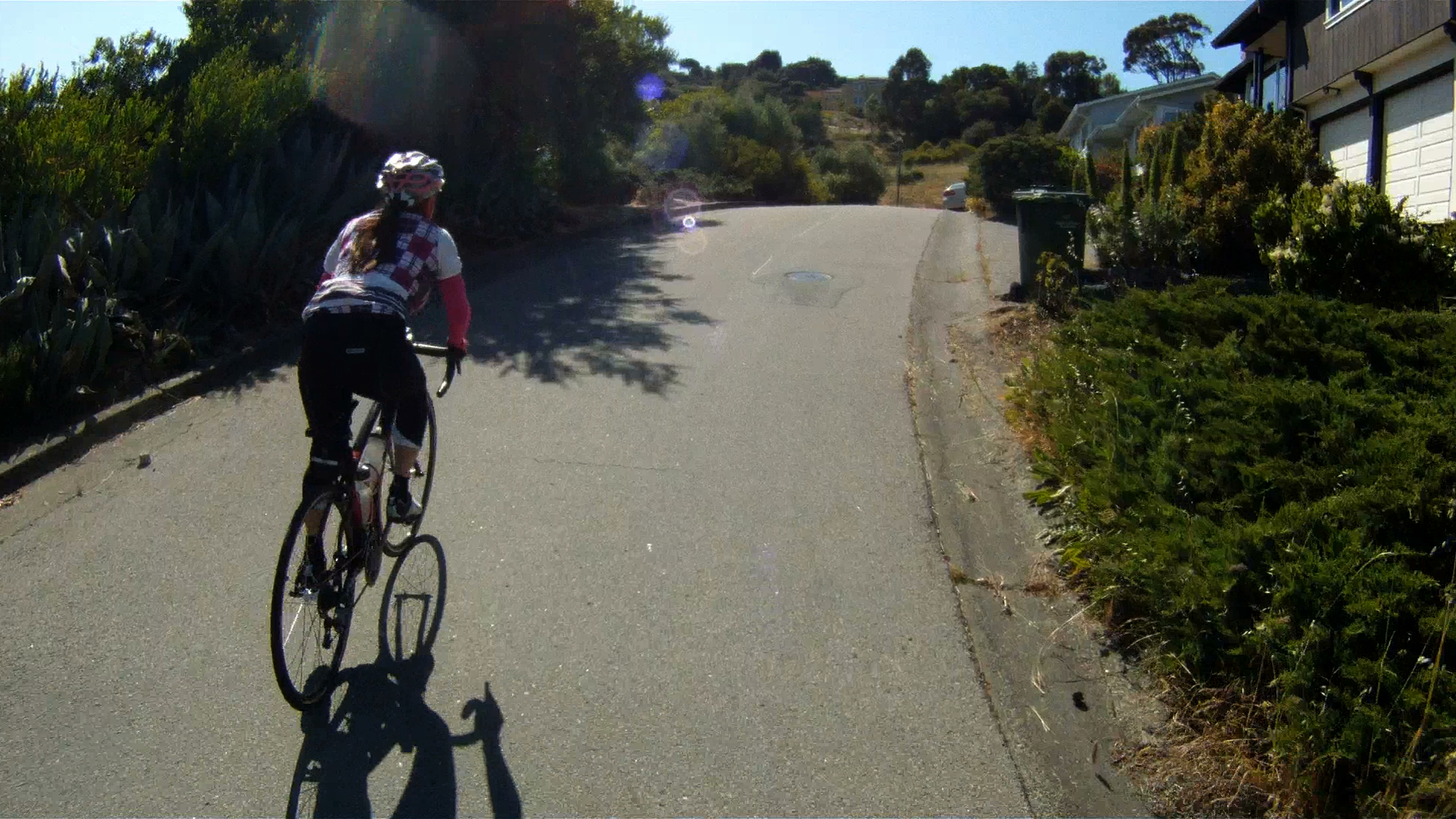
Stay to the right and stand for the short, but steep climb as Via La Cumbre splits into parallel one way roads.

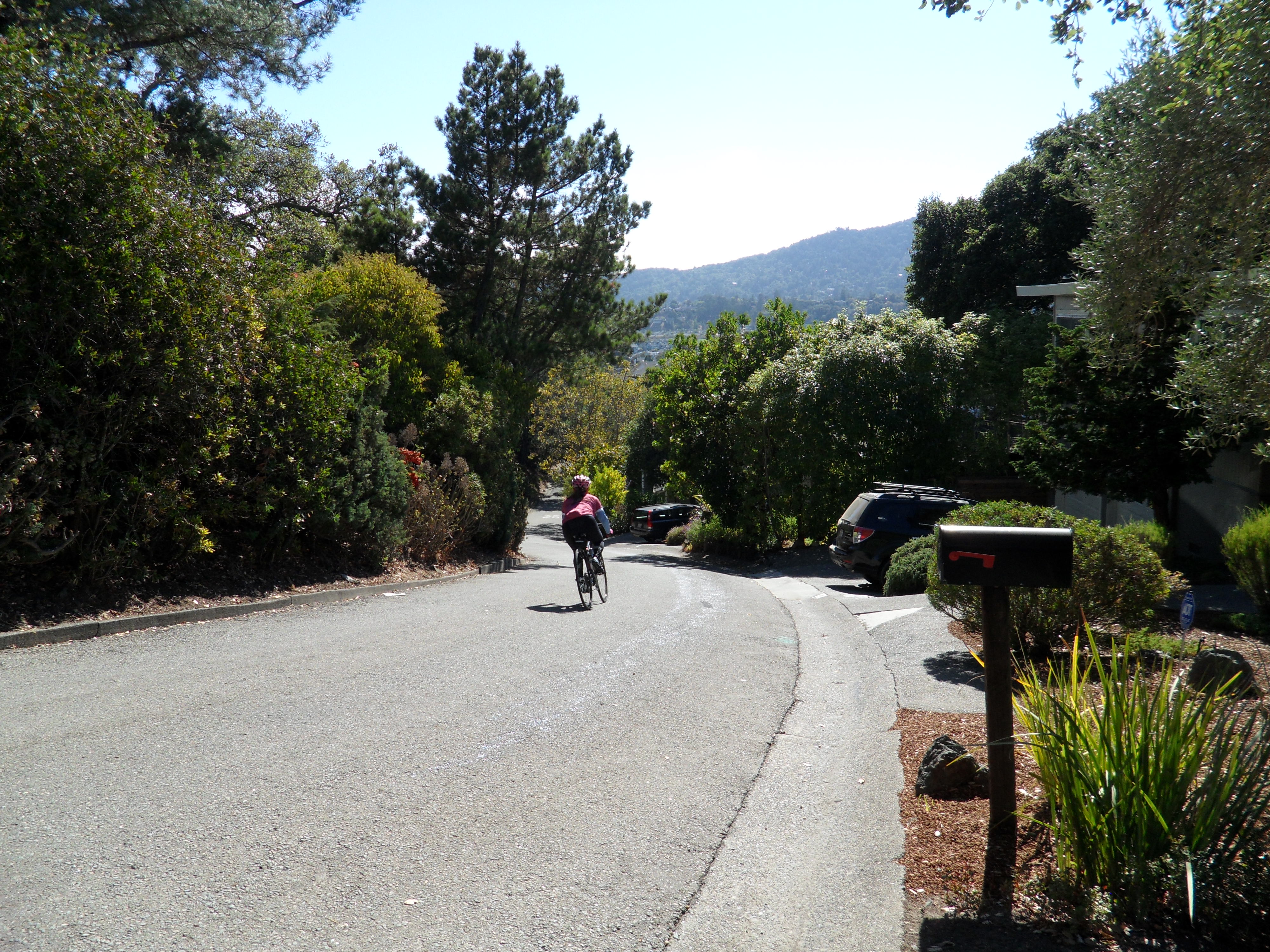
This narrow residential road has cars parked and driveways to your right, stay in control and watch for cars as you descend the next hill which will roll into another steep climb.

Follow the road as it continues to wind through the neighborhood to the first Stop sign. Go straight through the stop sign and climb the next small, steep hill.

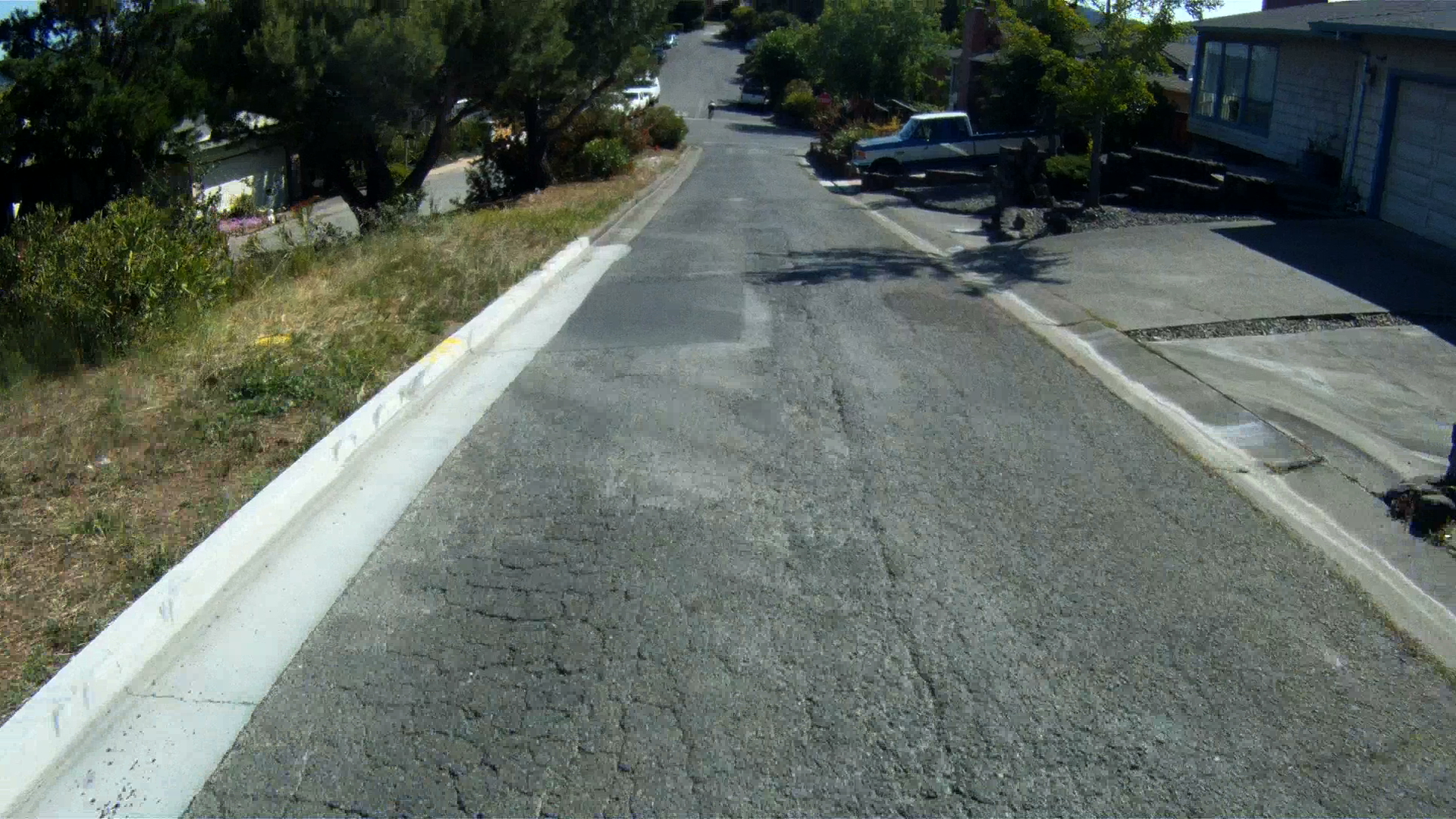
Then when the coast is clear let it rip and see what you can clock on the radar at the bottom!

Stay vigilant though, as cars may start to back out of their driveways around the corner at the bottom of the run.

Then one last climb and a wide open “Wee Fast Fun” hill to go.

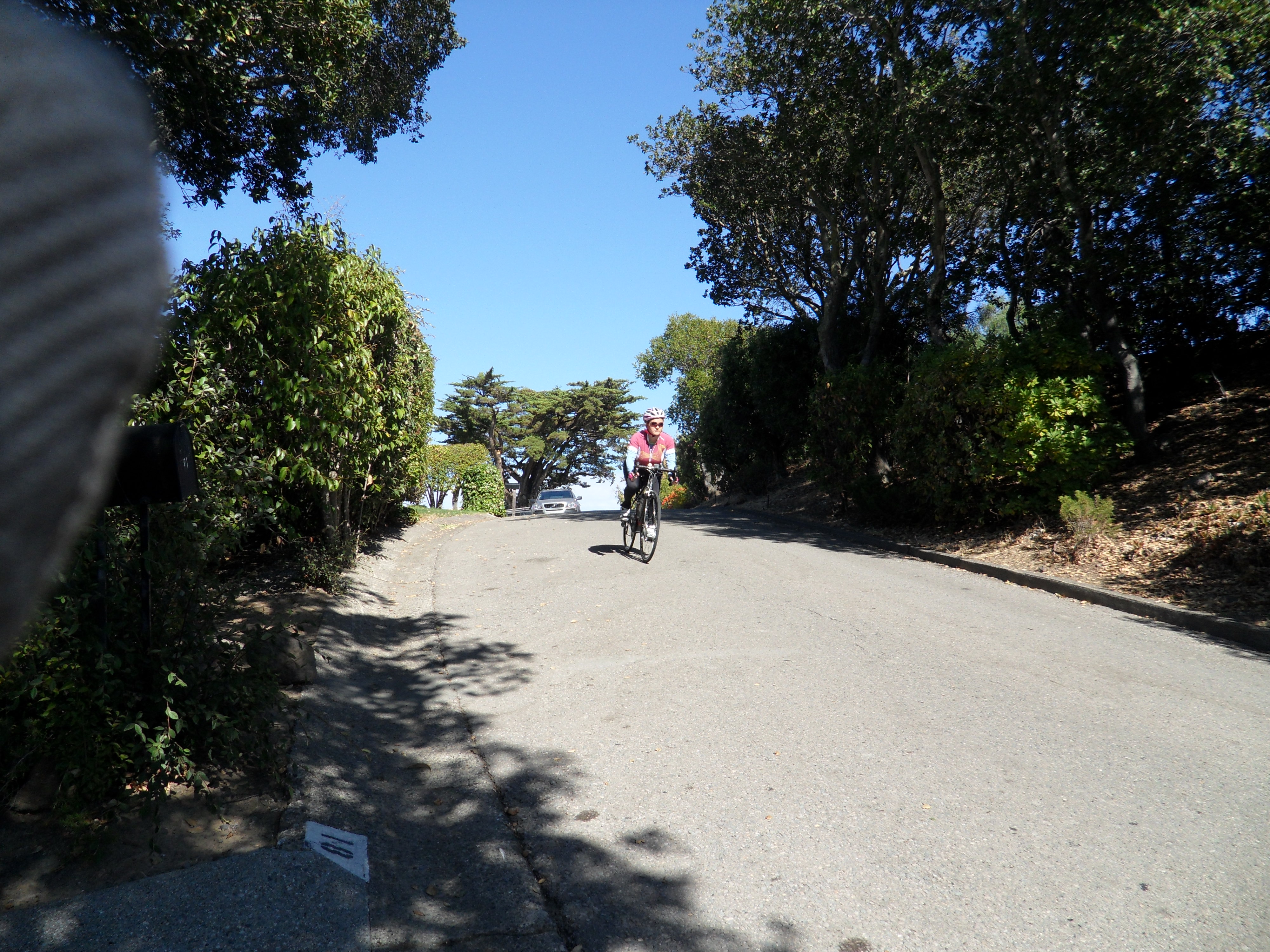
Again, wait for it to be clear and then follow the Pink Bomber’s lead and fly down the last of the descents! The next Stop sign is at the bottom of the hill just after the road starts to flatten out.

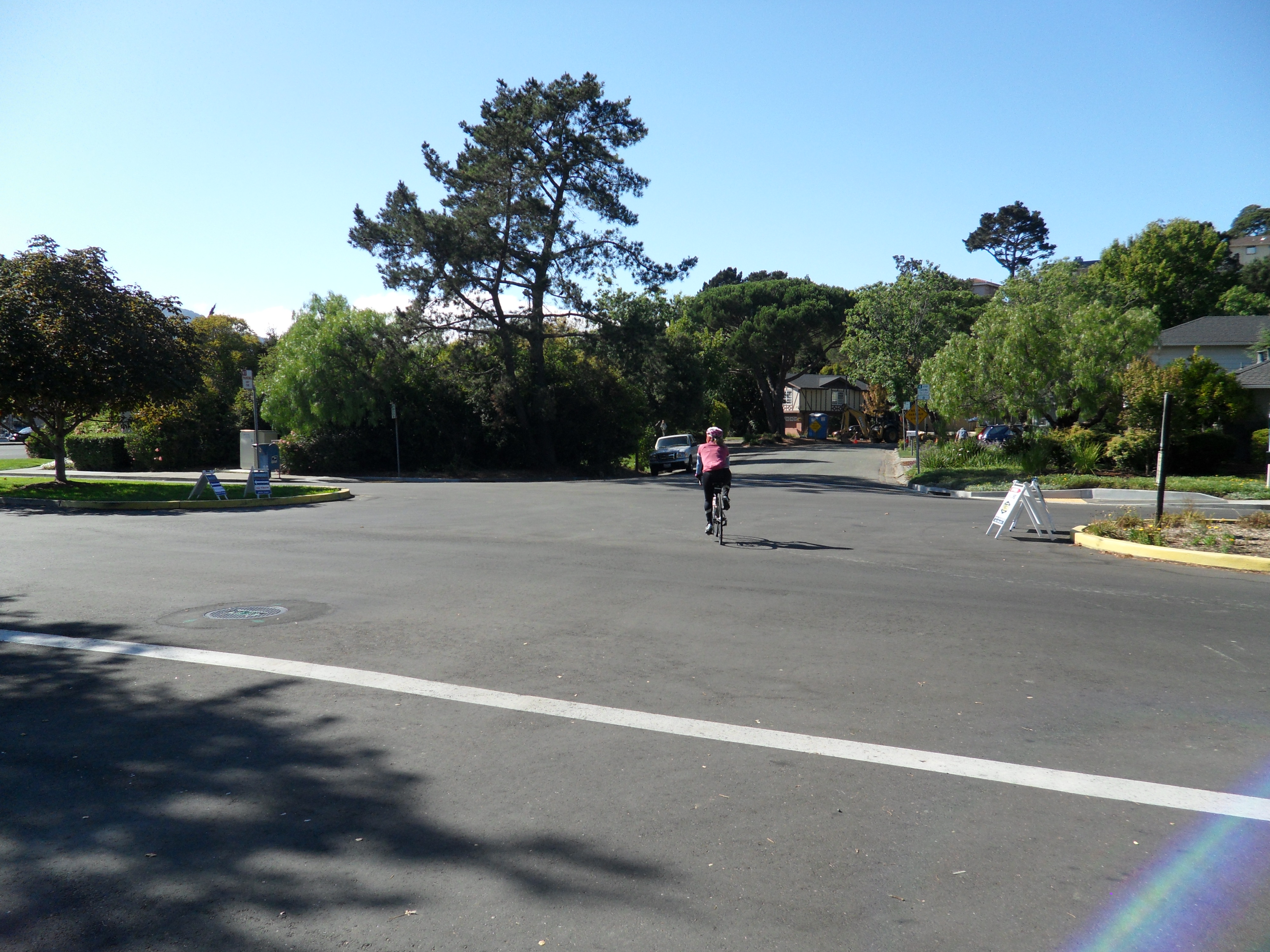
Be ready to stop at that point as Via La Cumbre intersects the busy Eliseo Drive. Turn left at Eliseo Drive. Eliseo Drive intersects Sir Frances Drake Boulevard at the stoplight.

Keep following Eliseo Drive straight through the intersection to the next stop sign. Make a left onto the sidewalk and follow the path into Niven Park.

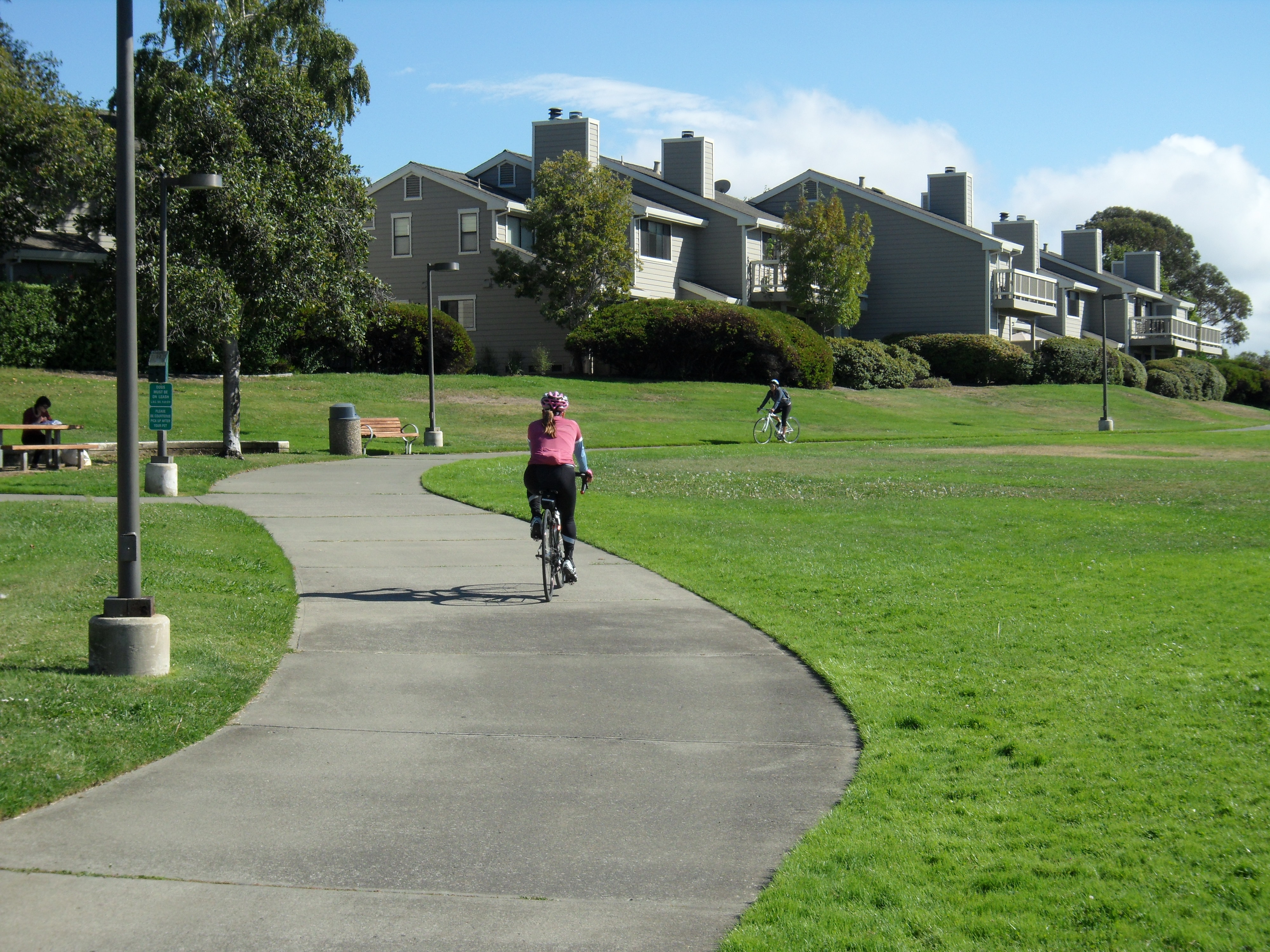
Keep following the path through the park, but watch for dogs off leashes. The path will shortly intersect Bike Route 20.

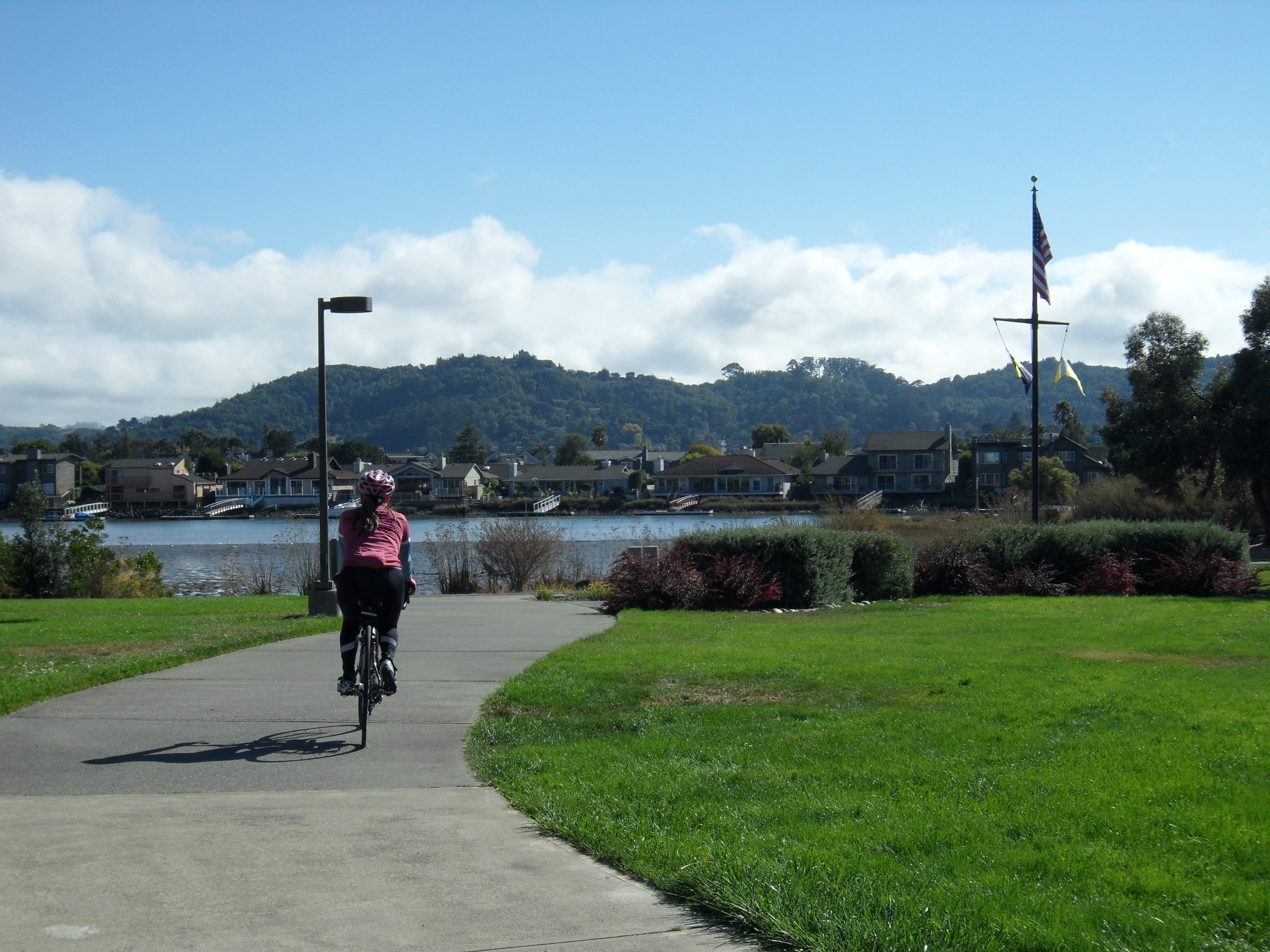
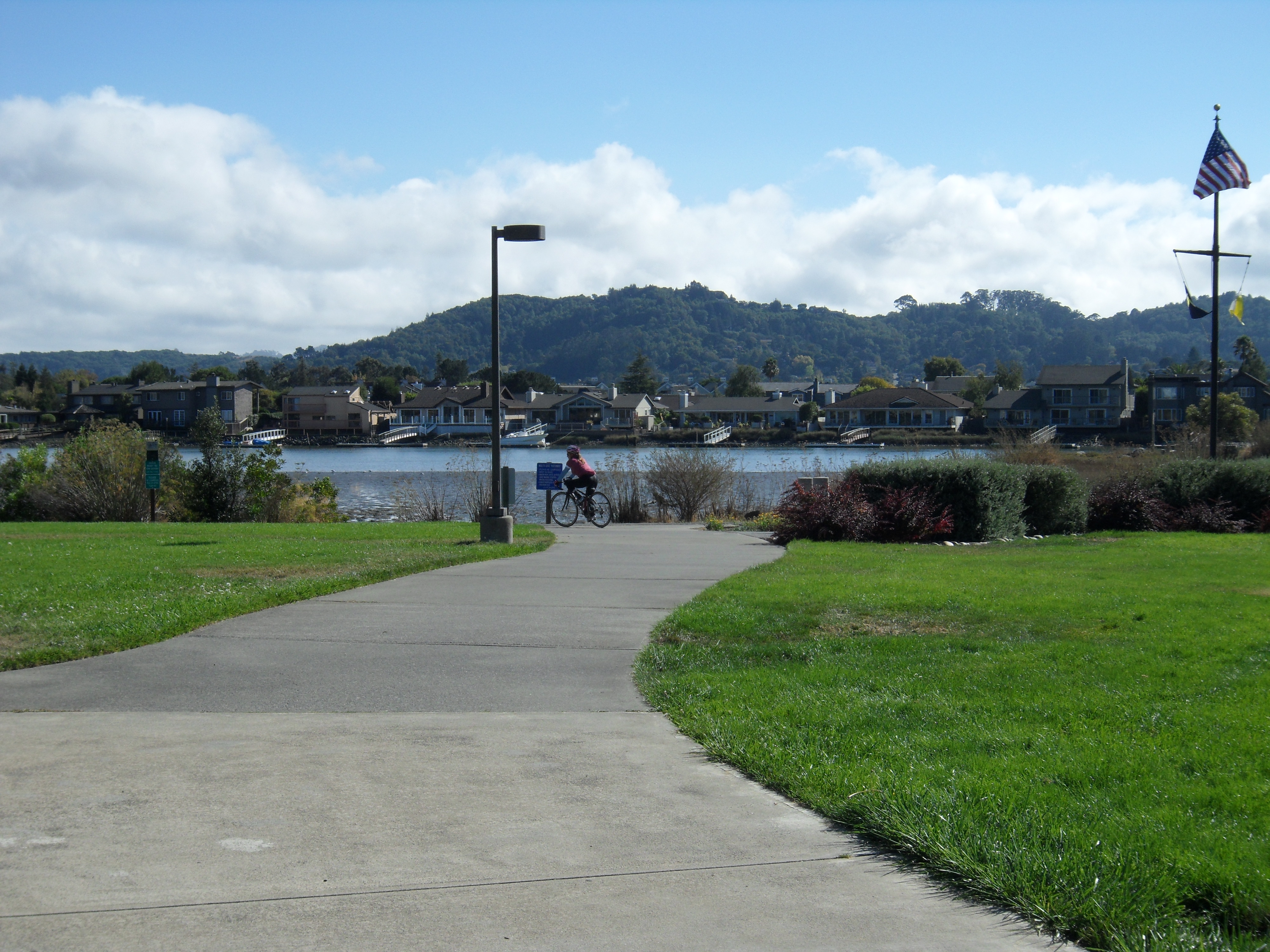
Make a left onto Route 20 and follow it to the Larkspur Ferry Terminal, but don’t turn in just yet. Keep going on the path to the stop light where we will meet with Option 2.

OPTION 2: The Dragon’s Belly

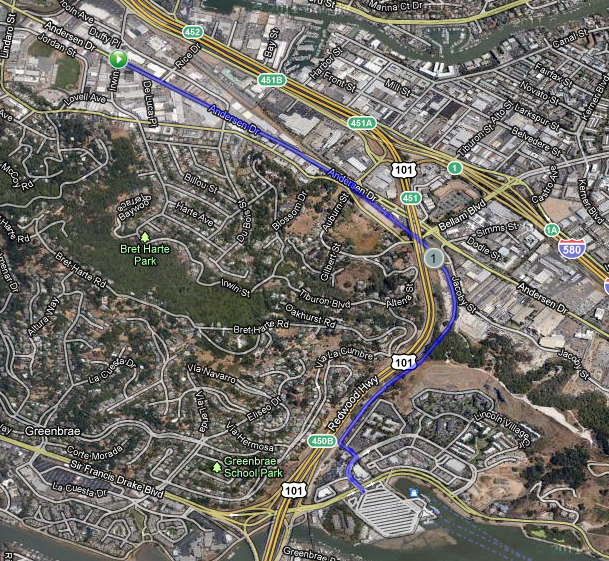
Back at the intersection of Irwin Street and Anderson Drive, to follow The Dragon’s Belly, make a left onto Anderson Drive.

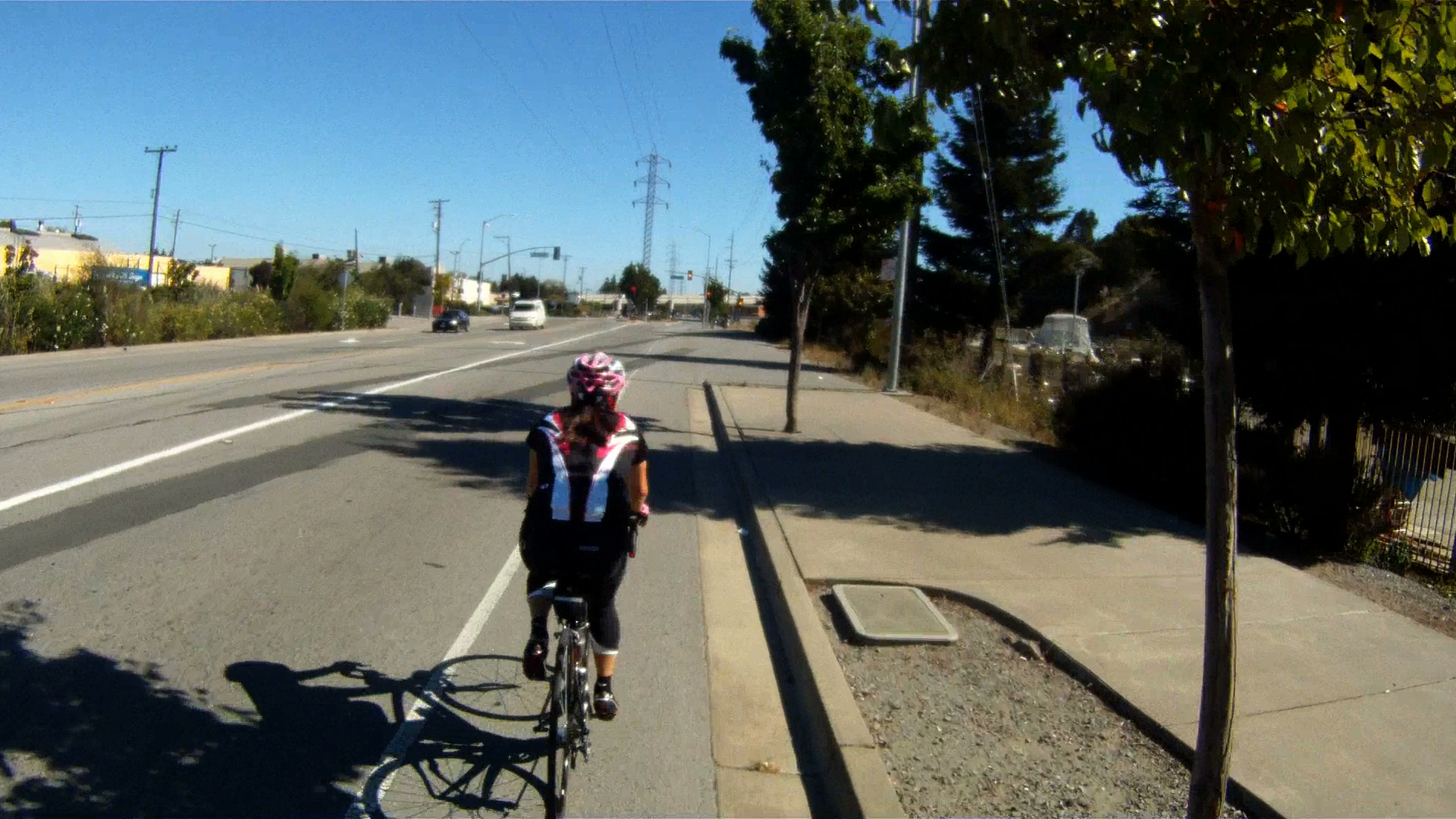
Follow Andersen Drive through lower San Rafael until you reach the bike path entrance just before the intersection with Francisco Boulevard.

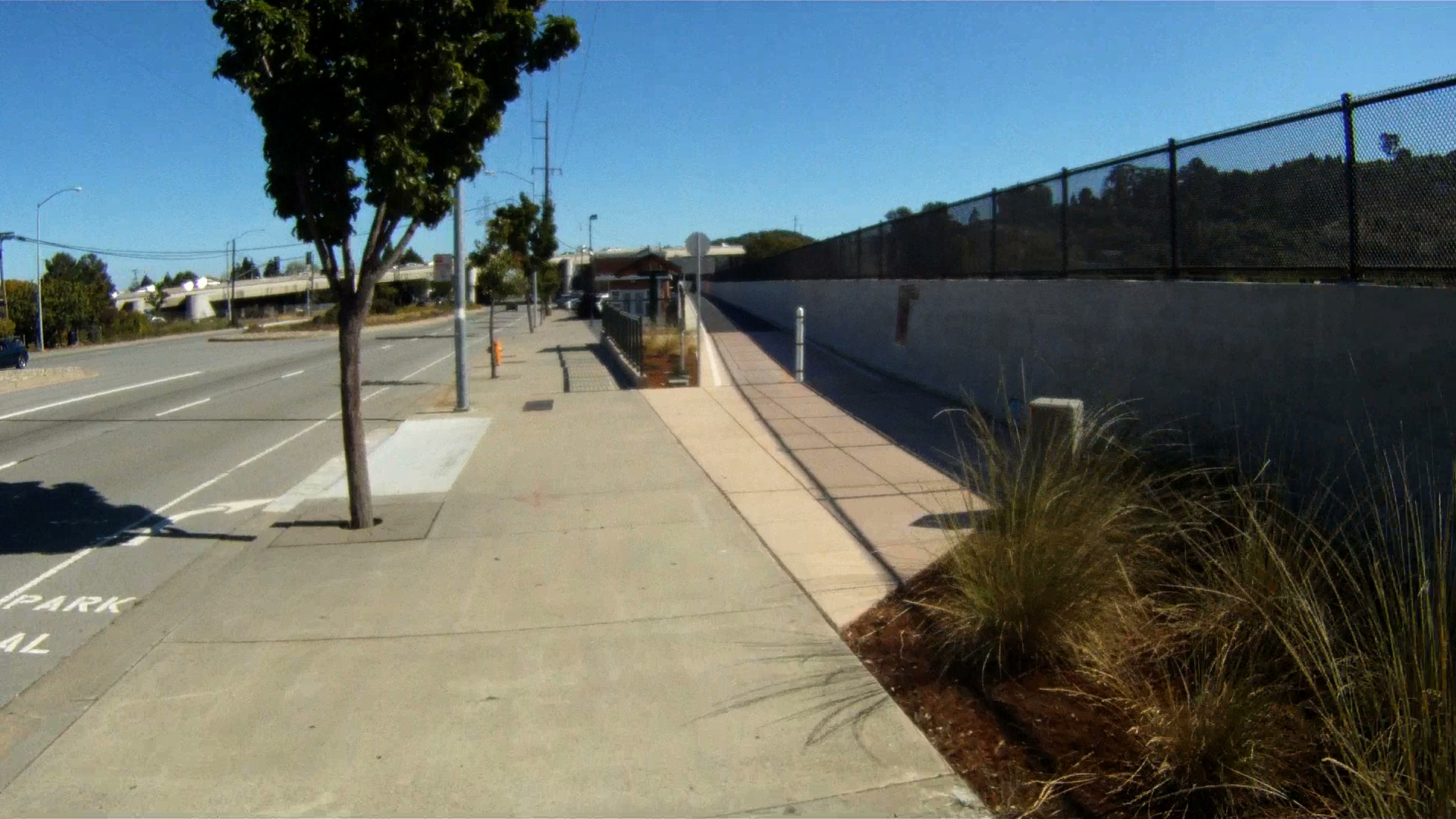
Turn onto the sidewalk at this point and follow the sidewalk to the path entrance a couple hundred feet (~70 meters) down the way.

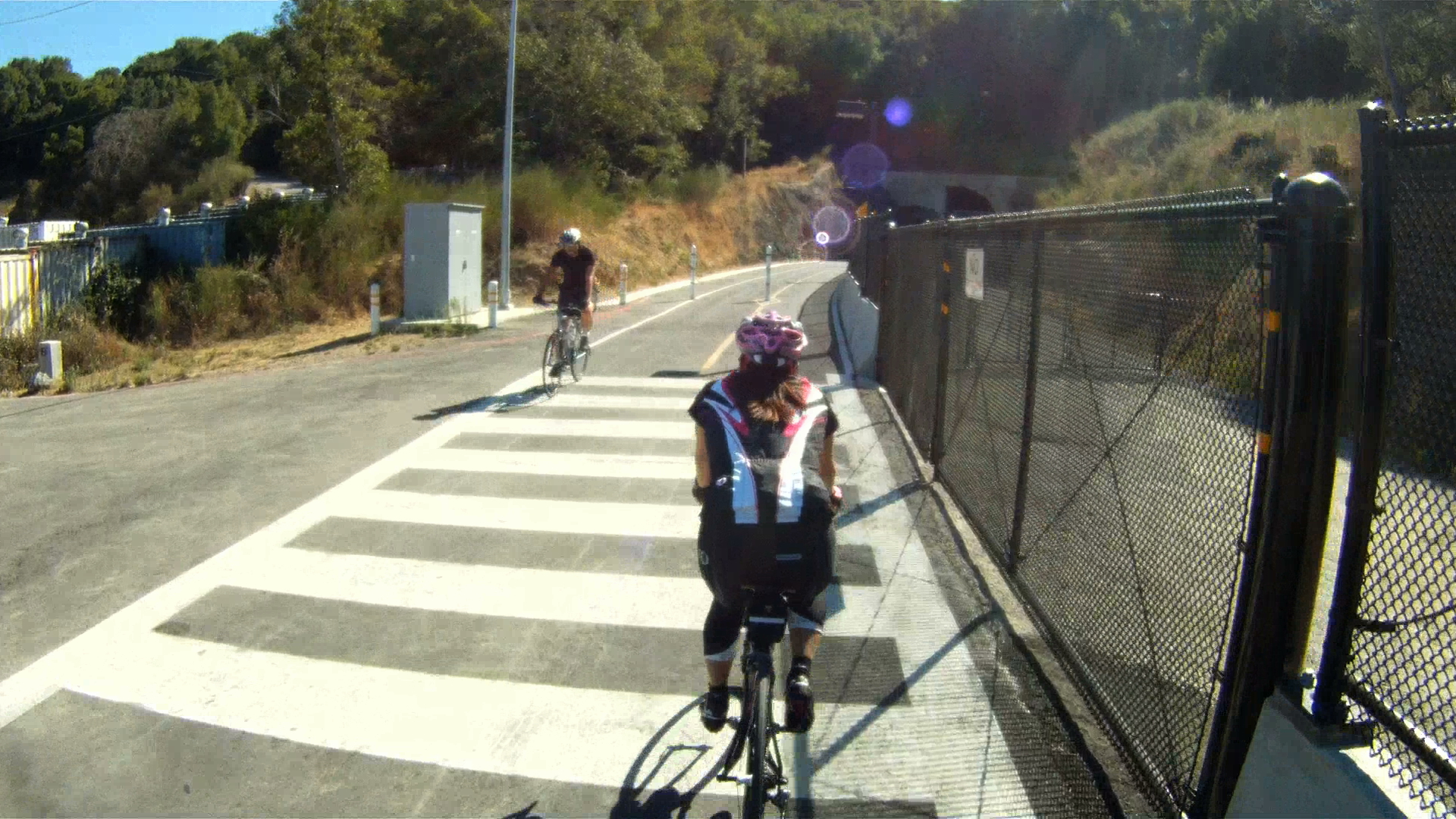
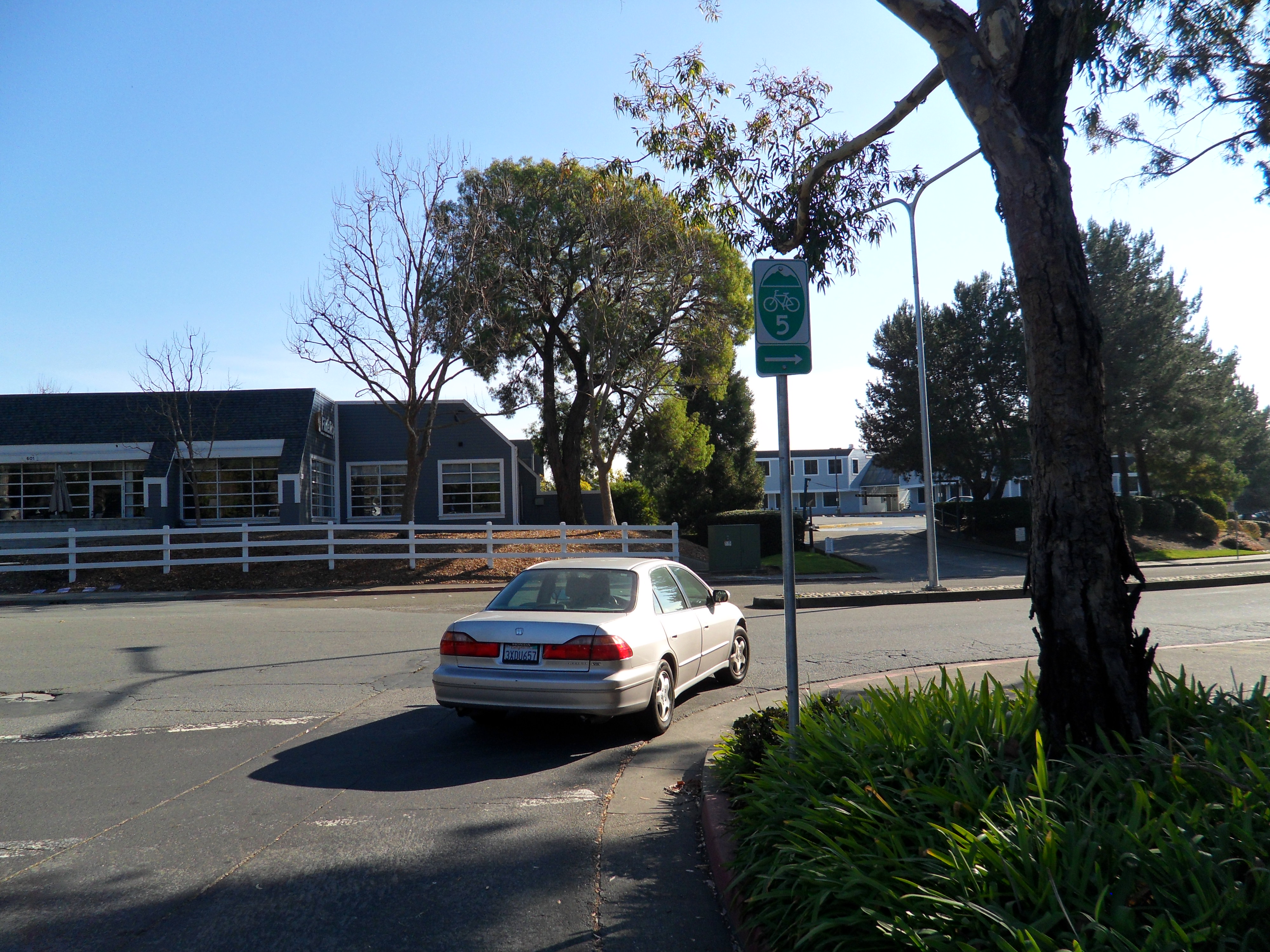
Follow Route 5 onto the Cal Park Hill Path and follow it through the Cal Park Hill Tunnel.

The path will drop you off at the parking lot of the Century Theater at Larkspur Landing.

Turn right into the parking lot, then make another right onto Larkspur Landing Circle.

Follow Larkspur Landing Circle to the stoplight at Sir Frances Drake Boulevard.

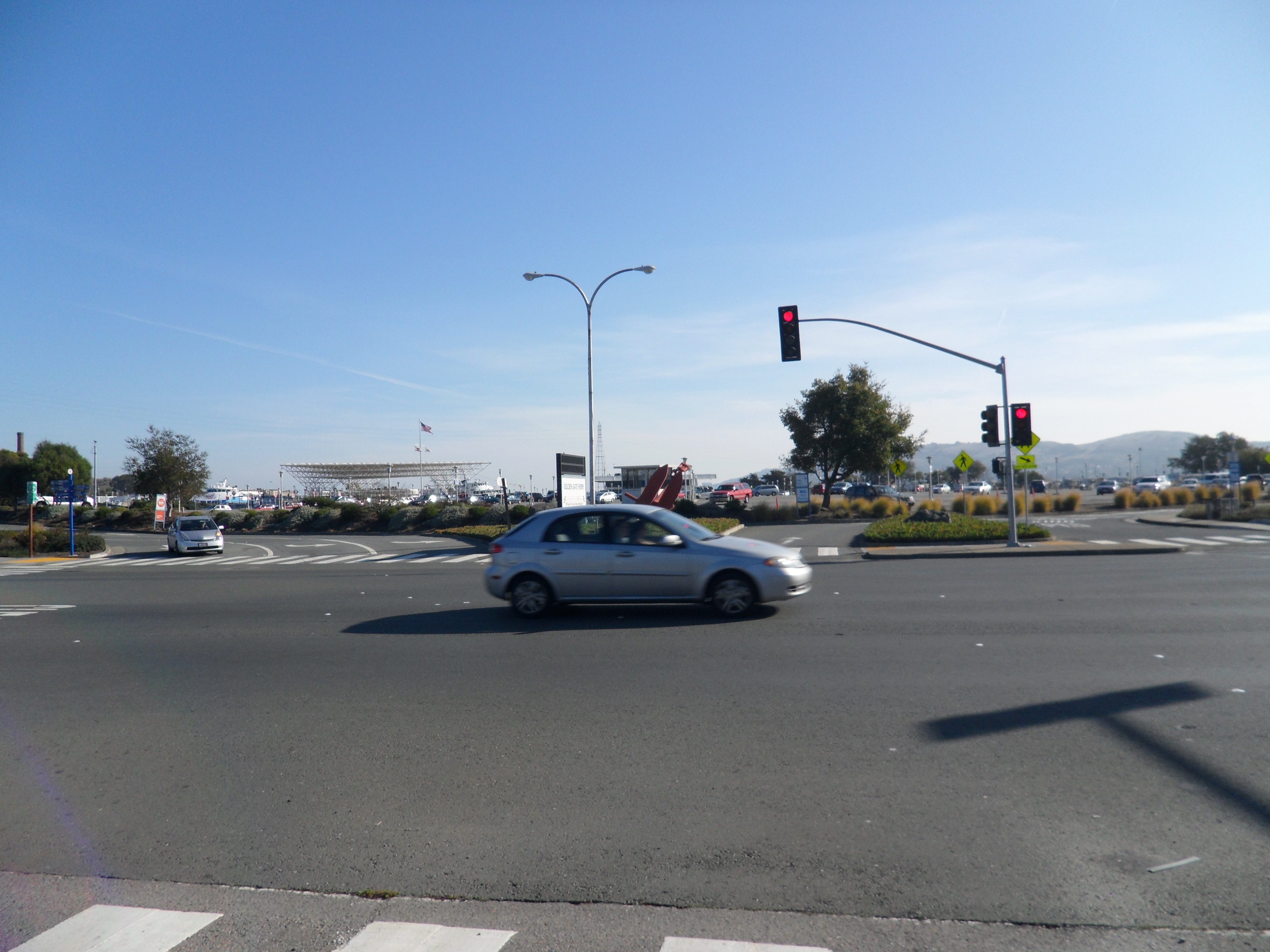
Cross Sir Frances Drake Boulevard towards the Larkspur Ferry Terminal entrance, but veer left onto the sidewalk and path.

This is where Option 1: The Dragon’s Spine and Option 2: The Dragon’s Belly merge.

FINAL LEG: Beer Here!

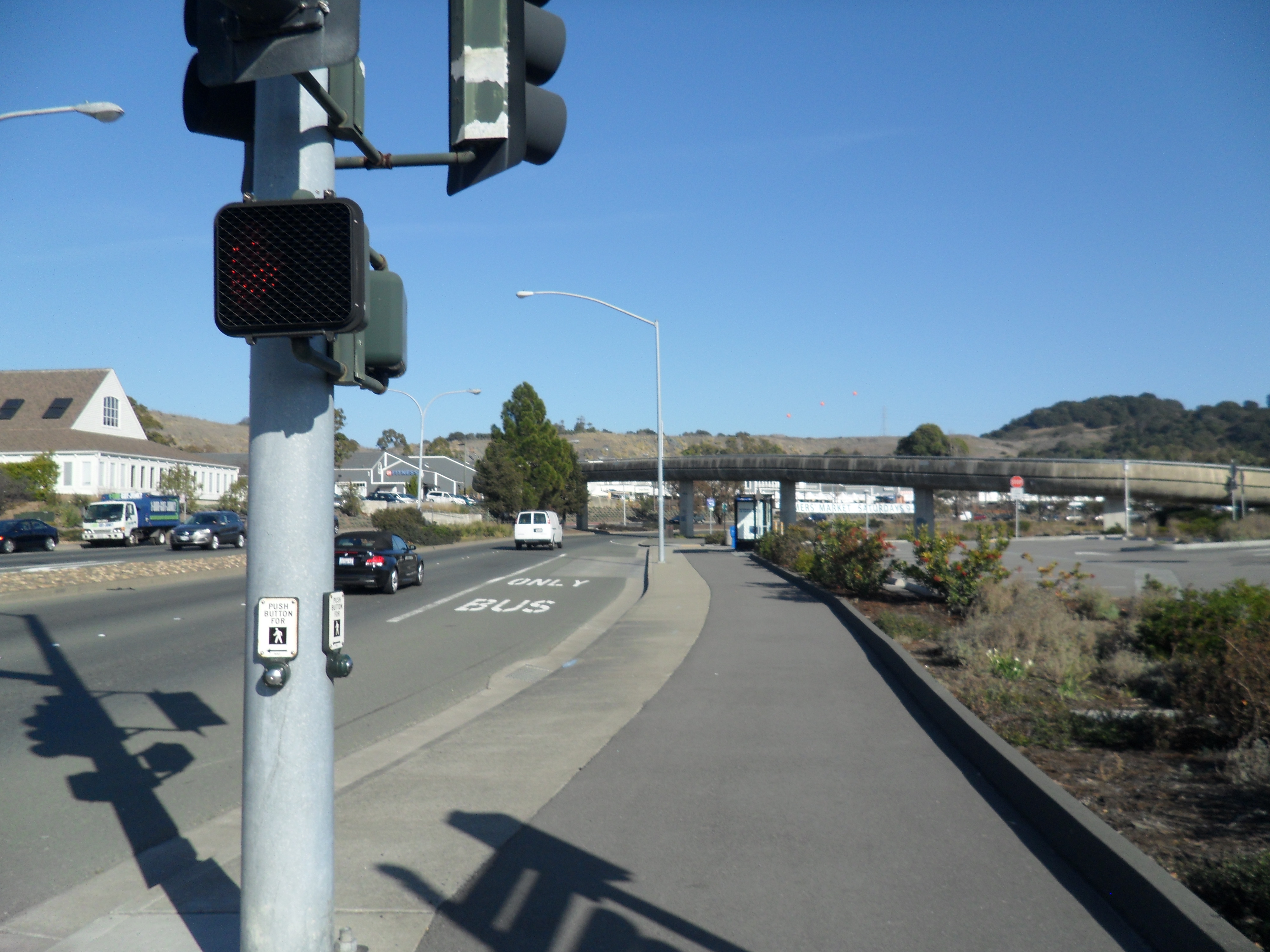
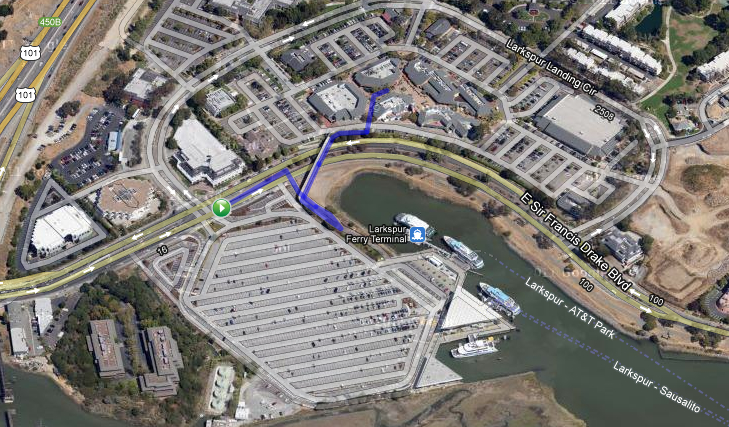
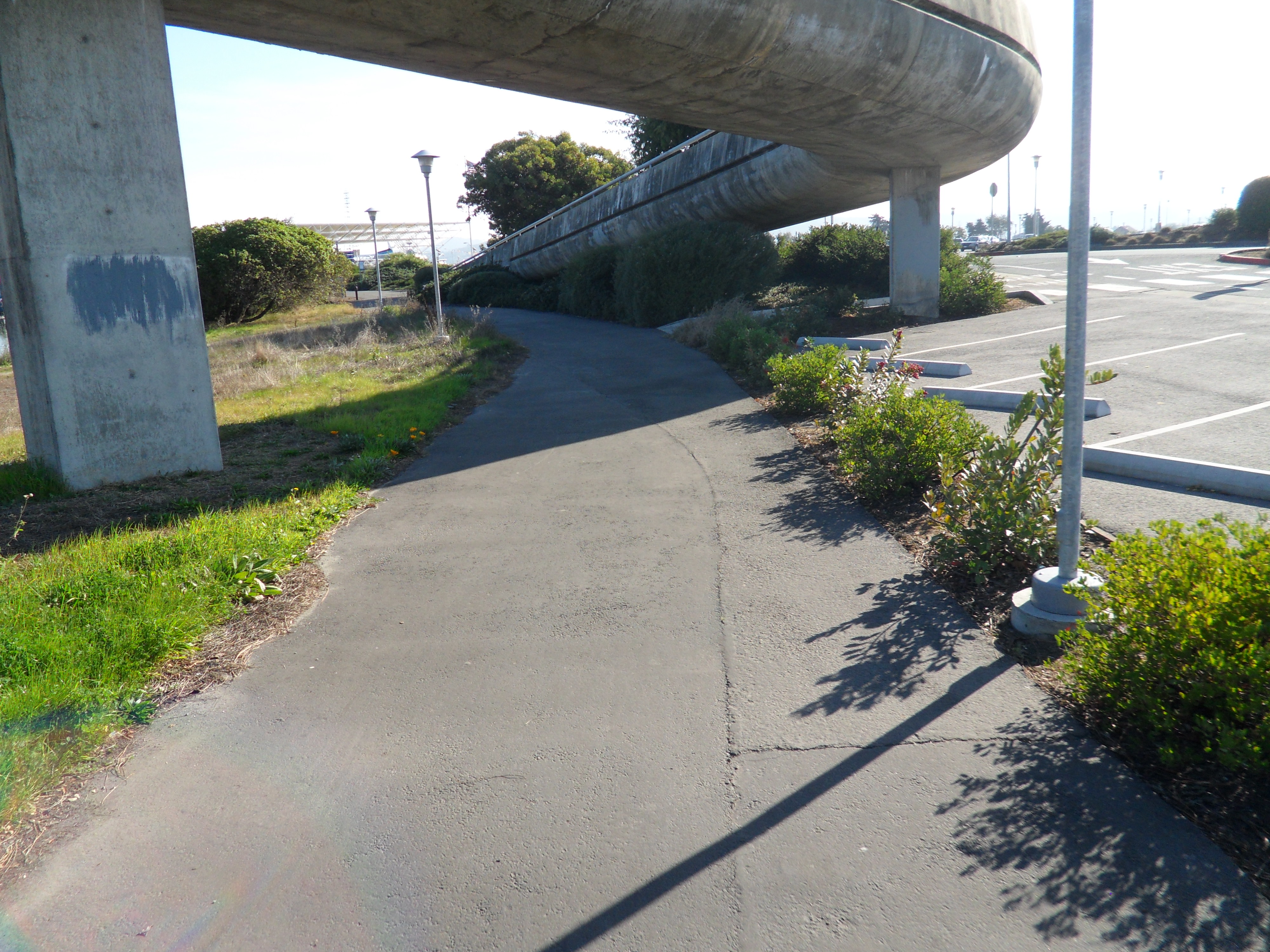
From the stoplight at the Ferry Terminal entrance, follow the path under the pedestrian bridge and then make a quick right.

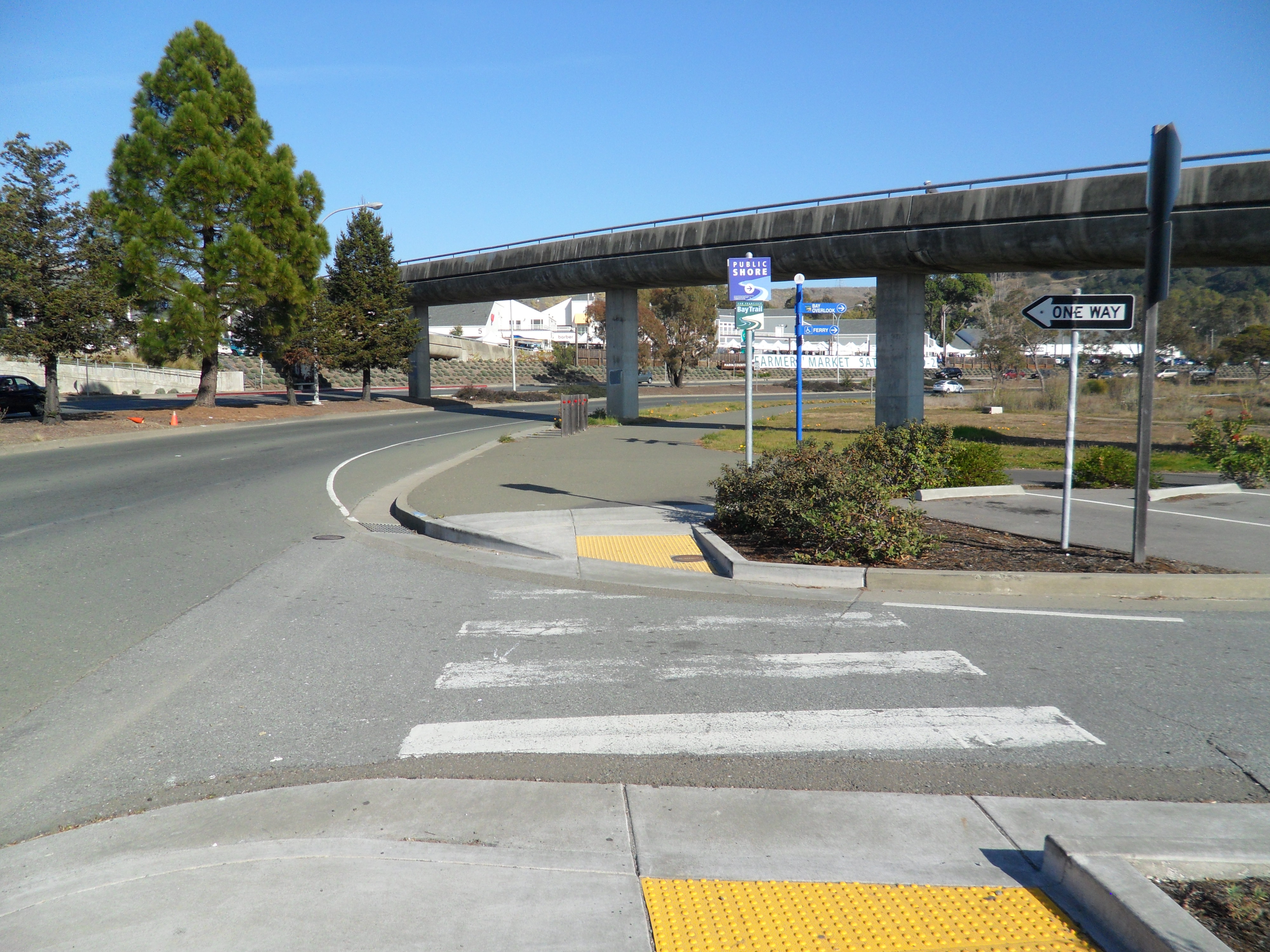
Where the path meets the base of the pedestrian bridge, make a 180 onto the bridge and follow it over Sir Frances Drake Boulevard.

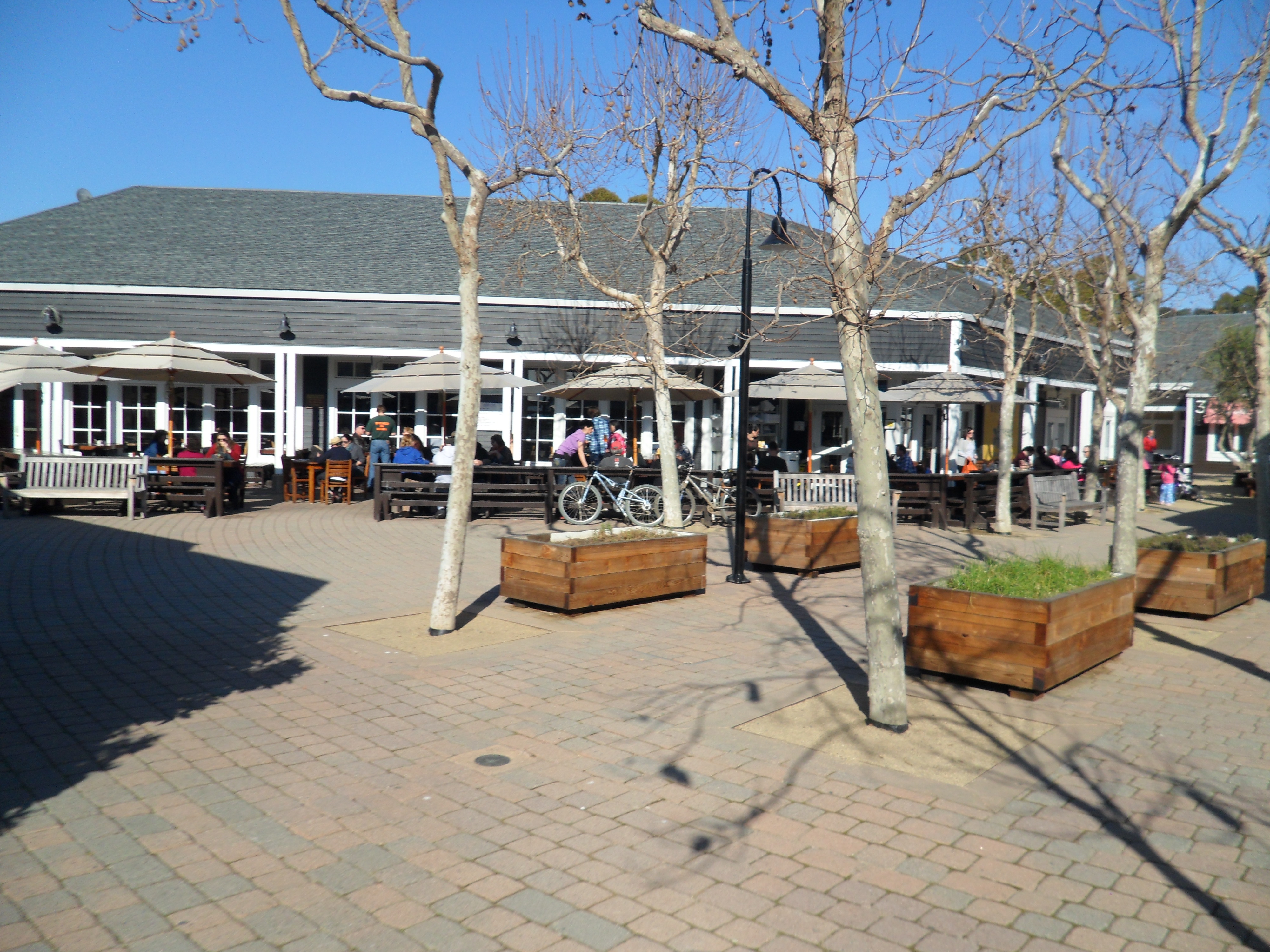
At the other end of the bridge, cross the road into the courtyard.

Just ahead of you is the Marin Brewing Company.

Stop in to have one of the Brewing Company’s microbrews before you catch the ferry back to San Francisco.

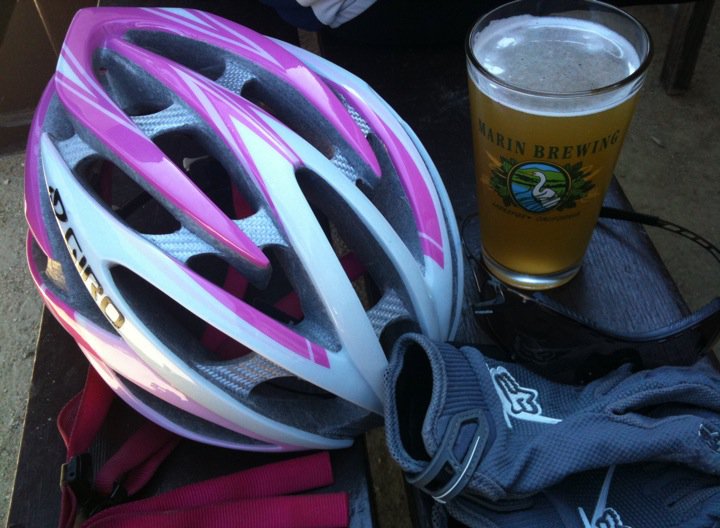
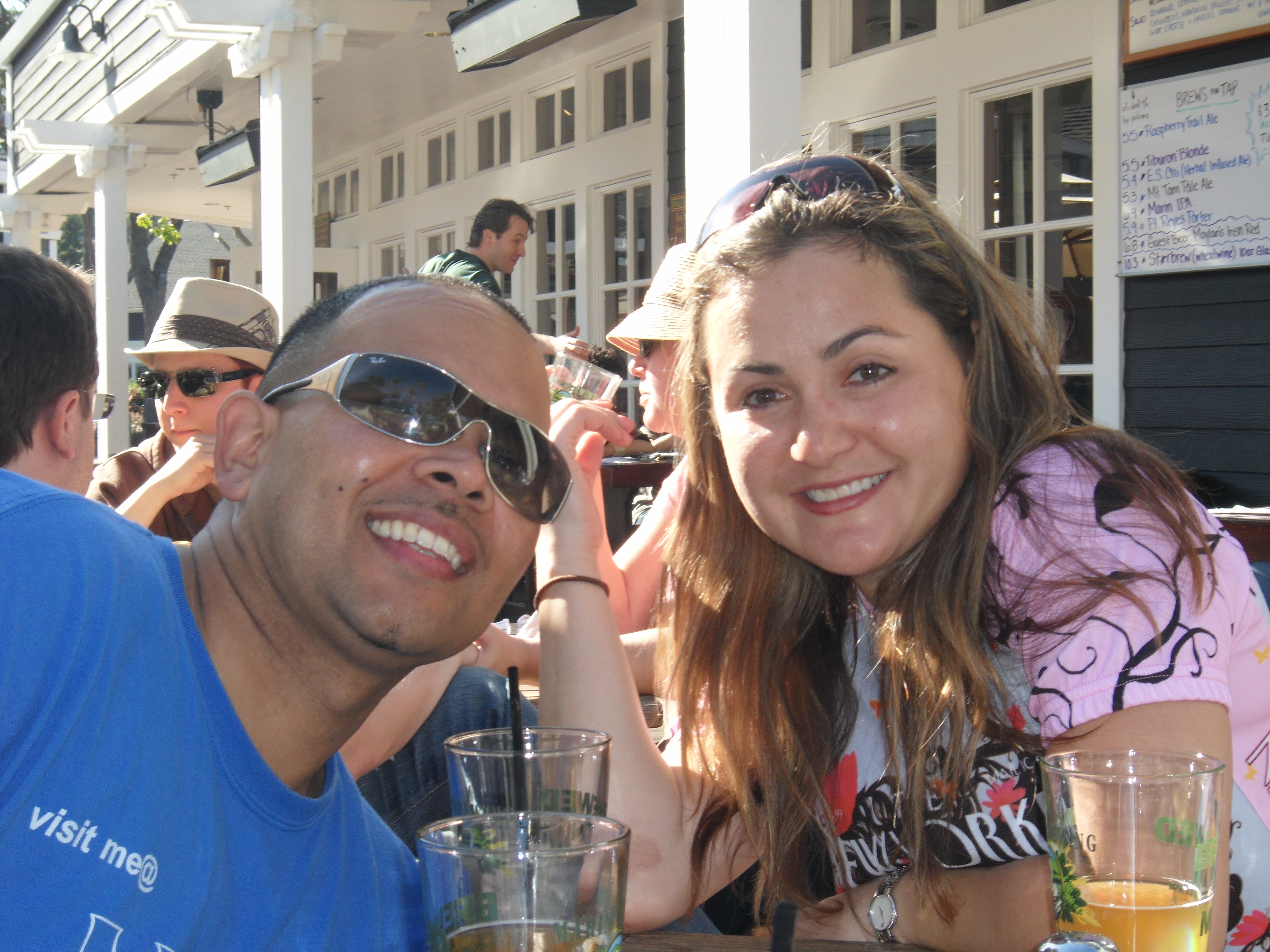
We always enjoy a Mt. Tam Pale Ale or a seasonal brew after a long ride. We also bring any of our friends that join us for a ride.

Being able to return to San Francisco via the Larkspur Ferry is a great way to extend a ride deeper into Marin County. Whether you are hungry for a post-ride meal, have time to kill before the next ferry or just feel like a beer, stopping in at Marin Brewing Company is a great way to meet all those needs. Make sure to say “Hi” if you see us there grabbing a beer!